











Choosing between SMTP providers is not just a matter of finding a service that can send emails. The right service helps you scale email campaigns, authenticate your domain, troubleshoot delivery failures, and protect your sender reputation. It also enables you to separate marketing messages from transactional ones and allows you to monitor what happens to the email campaigns after they have left your platform.
The best SMTP providers for email marketing and reliable email delivery include MailBluster SMTP, Amazon SES, Postmark, Mailgun, SMTP2GO, Mailtrap, Brevo, Twilio SendGrid, Mailjet, Elastic Email, SMTP.com, and SendPulse. The right choice depends on your monthly and peak sending volume, email type, technical resources, pricing model, and the amount of delivery monitoring you need.
Quick picks: MailBluster SMTP is a natural choice for MailBluster users who want to manage email sending from the same account. Amazon SES is particularly notable when it comes to low-cost infrastructure options, while Postmark is especially strong in the area of transactional email. Mailgun works well for developer-led teams, and SMTP2GO offers a straightforward SMTP relay.
Table of contents
- Best SMTP providers at a glance
- How we evaluated SMTP providers
- The best SMTP providers for email marketing and reliable delivery
- How to choose a reliable SMTP provider
- SMTP deliverability checklist
- Conclusion
- FAQs about SMTP providers
Best SMTP providers at a glance
The table below focuses on practical buying factors rather than an unsupported “deliverability score.”
| Provider | Best for | Email use | Free plan/trial | Pricing reference | SMTP/API | Dedicated IP/visibility | MailBluster connection | Main consideration |
|---|---|---|---|---|---|---|---|---|
| MailBluster SMTP | MailBluster marketers wanting managed sending | Marketing campaigns | 14-day managed trial currently advertised | Starts at $17/month for 10,000 emails; yearly billing is 10% lower | Managed through MailBluster | Reputation monitoring and managed infrastructure | Native | Application, review, domain verification, and finalization required |
| Amazon SES | Cost-efficient infrastructure at scale | Transactional + bulk | No SES-specific free tier for new customers; legacy eligible accounts may retain remaining benefit | Essentials: $0.16/1,000 for first 10M; pay-per-use: $0.10/1,000 | SMTP + API | Shared, standard dedicated, and managed dedicated IP options | Supported BYO provider | More technical setup and separate marketing tooling |
| Postmark | Cost-efficient infrastructure at scale | Transactional + broadcast streams | 100 emails/month | Basic: $15/month for 10,000 | SMTP + API | Detailed activity; dedicated IP available at higher qualifying volume | Supported BYO provider | More application-email focused than a full campaign platform |
| Mailgun | Developer-first delivery | Transactional + application workflows | 100 emails/day | Basic: $15/month for 10,000 | SMTP + REST API | Webhooks, logs, routing; dedicated IP pools on Scale | Supported BYO provider | Advanced capabilities can increase total cost |
| SMTP2GO | Straightforward hosted SMTP relay | Transactional + bulk | 1,000 emails/month; 200/day; 25/hour until sender domain is verified | Starter: $10/month for 10,000 | SMTP + API | Reporting, authentication, and dedicated IP on Professional | Supported BYO provider | Free-plan and reporting limits vary by plan |
| Mailtrap | Testing plus production sending | Transactional + marketing products | 4,000 production emails/month; 150/day | Basic: $15/month for 10,000 | SMTP + API | Logs; dedicated IP on Business | No documented native integration | Email sandbox and email sending have separate allowances. |
| Brevo | Small businesses | Marketing + transactional | 300 sends/day | Starter from $9/month for 5,000 emails | SMTP + API | Logs, webhooks, and broader marketing/automation features | No documented native integration | Contact and feature limits also affect plan choice |
| Twilio SendGrid | Established API-driven programs | Transactional + marketing | 100 emails/day for 60 days | Essentials from $19.95/month | SMTP + API | Pro and Premier include dedicated IPs | No documented native integration | Pricing and features become more complex at scale |
| Mailjet | Collaborative email teams | Marketing + transactional | 6,000 emails/month; 200/day | Starter: $9/month for 8,000 emails | SMTP + API | Dedicated IP included at qualifying Premium volume | No documented native integration | Higher-level collaboration and automation require higher tiers |
| Elastic Email | Budget-conscious senders | Transactional + bulk | 3,000 emails/month; 100/day | Starter: $19/month for 50,000 | SMTP + API | Tracking and analytics; Pro adds webhooks and longer logs | No documented native integration | Some advanced features require Pro |
| SMTP.com | Managed SMTP relay evaluation | Primarily transactional/bulk delivery | Verify current terms | Verify current first-party pricing before purchase | Verify current product details | Verify current product details | No documented native integration | Current first-party pricing and plan details were not reliably retrievable during this review |
| SendPulse | Affordable SMTP inside a broader marketing ecosystem | Transactional + marketing | Free SMTP tier; 50/hour and 400/day | Volume-based subscription and pay-as-you-go options | SMTP + API | Higher paid tiers include dedicated IPs | No documented native integration | Throughput limits matter as much as monthly allowance |
Note: We checked pricing and free-plan information in September 2026. Because plans can change, always confirm the final cost before purchasing.
How we evaluated SMTP providers
A useful SMTP comparison must go beyond just giving the initial price and making a statement about “high deliverability.” We looked at the various providers across six practical areas: deliverability and reputation controls, pricing and scale, SMTP/API integration, observability, suitability for different kinds of email, and the requirements for setup and support.
It’s also important not to confuse uptime, delivery rate, and inbox placement. Uptime tells you whether the infrastructure is available. Delivery usually means that the receiving server has accepted responsibility for the message. Inbox placement describes whether accepted mail reaches the primary inbox rather than in spam or some other folder.
For that reason, this comparison does not assign arbitrary deliverability percentages or scores. Without an identical, independently controlled test across all twelve SMTP services, a number such as “98% deliverability” could easily compare different methodologies.
Disclosure: MailBluster publishes this article and offers MailBluster SMTP. Each service is positioned for the use case it fits rather than claiming that MailBluster – or any other provider – is universally best for every sender.
The best SMTP providers for email marketing and reliable delivery
1. MailBluster SMTP – Best for MailBluster email marketers
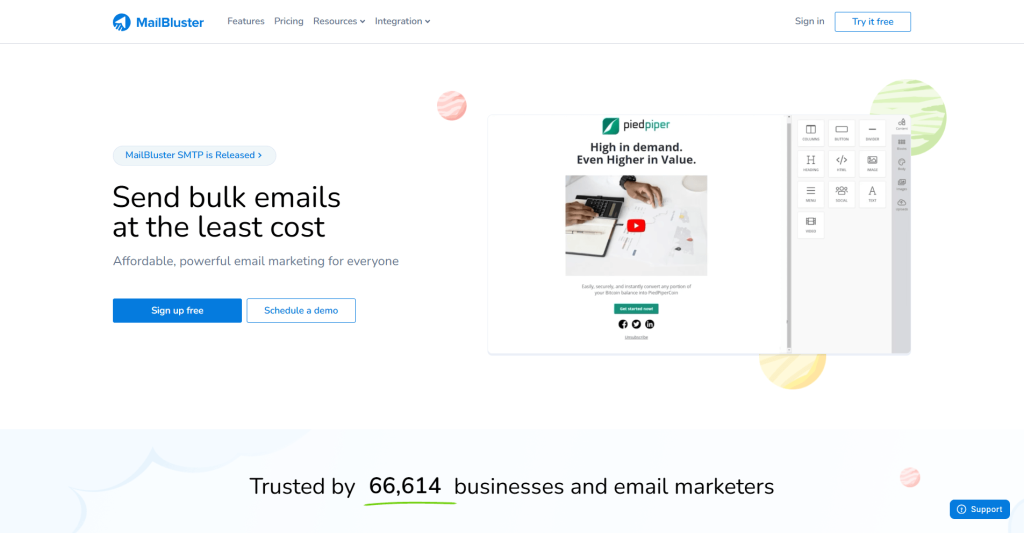
MailBluster offers MailBluster SMTP for users who want email marketing and managed sending under the same account without maintaining a separate SMTP provider account.
Instead of opening another account, configuring a third-party sending service, and paying a separate provider, users can apply for MailBluster SMTP from their MailBluster brand. MailBluster manages the sending infrastructure, deliverability monitoring, and sender-reputation protection while campaign creation stays inside the existing MailBluster workflow.
Pricing: MailBluster SMTP starts at $17 per month for 10,000 emails. Current monthly pricing also lists $29 for 20,000, $59 for 50,000, and $110 for 100,000 emails. Annual billing reduces the plan price by 10%. A 14-day managed trial is currently advertised.
Best fit: Existing or prospective MailBluster users who want campaign management and managed SMTP sending under the same account rather than maintaining a separate sending provider.
Review MailBluster SMTP plan options: MailBluster pricing
2. Amazon SES – Best for cost-efficient high-volume sending
Amazon Simple Email Service (Amazon SES) is a strong option for teams with technical capability that want flexible sending infrastructure.
SES supports SMTP and API sending along with shared, standard dedicated, and managed dedicated-IP options. The tradeoff is operational complexity: teams still need to understand AWS configuration, production access, authentication, reputation, and whichever campaign interface sits on top of SES. MailBluster users can connect an approved, out-of-sandbox SES account instead of managing campaigns directly through AWS.
Pricing: Amazon SES provides pricing options based on plans as well as a pay-per-use basis. The Essentials plan costs $0.16 per 1,000 emails for the first 10 million emails per month, while pay-per-use outbound email is $0.10 per 1,000 before applicable data, dedicated-IP, and add-on charges. New SES accounts and qualifying new account-region combinations default to Essentials as of July 21, 2026, but can switch to pay-per-use pricing. The previous SES-specific free tier of 3,000 messages is no longer available to new customers; customers who are eligible continue to have access to it for the rest of their original 12-month period.
Best fit: Technical teams and high-volume senders that want scalable AWS infrastructure, flexible pricing, and direct control over their sending setup.
3. Postmark – Best for transactional email
Postmark is particularly well suited to transactional and time-sensitive application messages.
Its Message Streams model separates one-to-one transactional email – such as password resets, receipts, and shipping notifications – from broadcasts such as newsletters and announcements. Those traffic types use separate sending infrastructure, helping teams avoid mixing critical application email with bulk sends. Postmark supports both SMTP and API sending, and it remains one of MailBluster’s supported external SMTP choices.
Pricing: Postmark’s free Developer plan allows 100 emails per month. The Basic plan costs $15 per month for 10,000 emails and includes 45-day data retention. Managed dedicated IPs start at $50 per month for qualifying high-volume senders.
Best fit: Teams sending business-critical transactional or application email that value traffic separation, message-level visibility, and straightforward debugging.
4. Mailgun – Best for developer-first SMTP and APIs
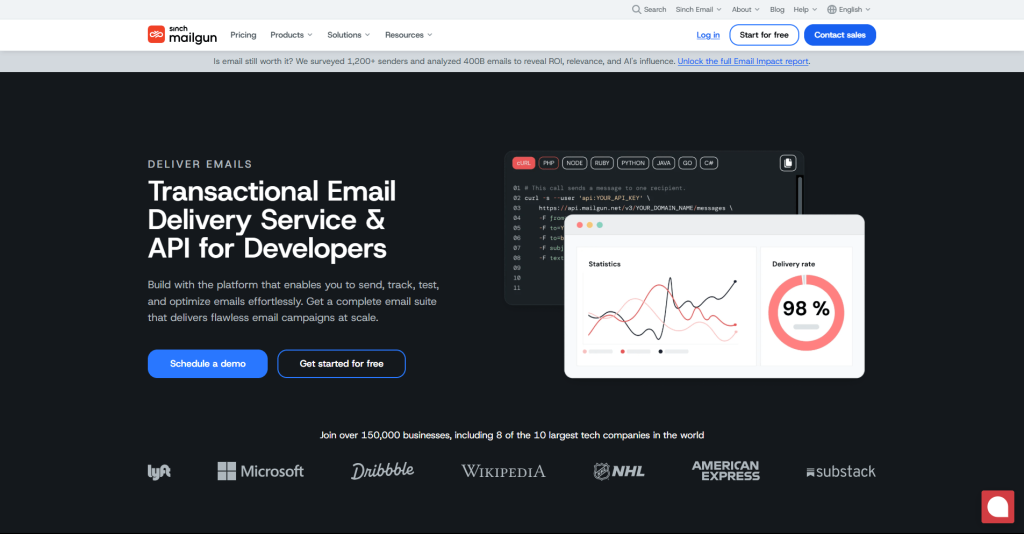
Mailgun is best for developers who want extensive programmatic control over sending and email events.
Its products combine SMTP relay with REST APIs, tracking, analytics, webhooks, and inbound routing. Webhooks can feed delivery, complaint, unsubscribe, and other events into an application, which is useful when email data needs to trigger product logic or internal reporting. The flexibility also creates the main drawback: a team that simply wants to send newsletters may find Mailgun more technical than necessary. Mailgun is a supported MailBluster BYO SMTP option.
Pricing: Mailgun offers a free plan with 100 emails per day. Basic starts at $15 per month for 10,000 emails, Foundation is $35 per month for 50,000 after the current trial period, and Scale is $90 per month for 100,000 emails.
Best fit: Developer-led teams that need APIs, SMTP relay, webhooks, routing, and deeper control over delivery events.
5. SMTP2GO – Best for straightforward SMTP relay

SMTP2GO is a practical choice for businesses that want hosted SMTP relay without a particularly heavy infrastructure workflow.
The service combines SMTP and API sending with reporting, authentication tools, support, and scaling options. On the free plan, SMTP2GO limits sending to 200 emails per day and 25 emails per hour until a sender domain is verified. SMTP2GO is also directly supported inside MailBluster.
Pricing: The free plan covers up to 1,000 emails per month. Starter costs $10 per month for 10,000 emails and includes 30 days of email reporting.
Best fit: Businesses that want a relatively straightforward hosted SMTP relay with reporting and fewer infrastructure decisions than a developer-heavy cloud service.
6. Mailtrap SMTP – Best for testing plus email delivery
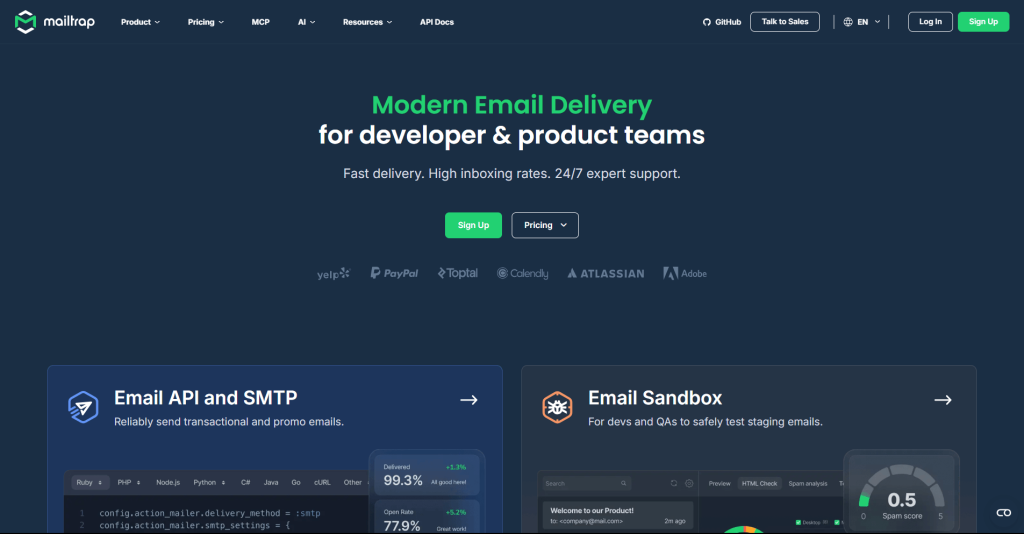
Mailtrap works particularly well for developer teams that want pre-production email testing and production sending in the same product family.
Its development background is the main differentiator. Teams can test application email before launch and use production SMTP/API infrastructure, logs, and analytics afterward. One point needs attention: Mailtrap Email Sandbox and Email API/SMTP are separate products with separate plan allowances. Mailtrap is included here as a market alternative; it is not one of MailBluster’s currently documented external SMTP integrations.
Pricing: Mailtrap Email API/SMTP has a free tier with 4,000 production emails per month and a 150-email daily limit. Basic costs $15 per month for 10,000 emails, while Business costs $85 for 100,000 emails and includes a dedicated IP.
Best fit: Developer teams that want email testing and production delivery tools within the same product ecosystem.
7. Brevo – Best for small businesses
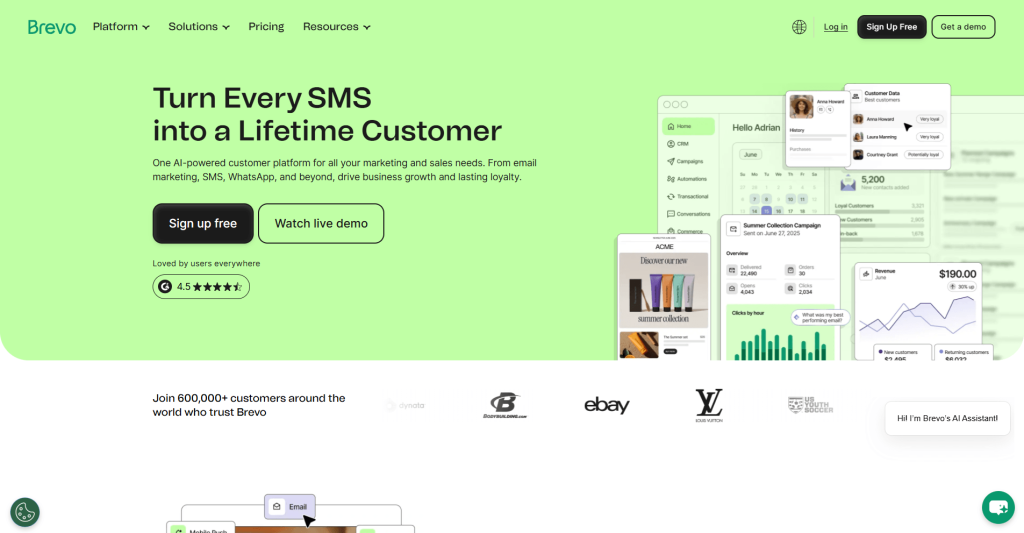
Brevo is one of the better fits for small businesses that want SMTP services inside a wider marketing and customer-communication platform.
Its platform supports campaign and transactional email, while developers can use SMTP relay or Brevo’s transactional email API. This structure can be useful when a business wants campaigns, automation, and transactional sending without assembling several separate tools. The tradeoff is that contact limits, automation capabilities, and other features vary by tier.
Pricing: Brevo’s Free plan includes 300 email sends per day. Starter begins at $9 per month for 5,000 monthly emails and removes the free plan’s daily sending limit.
Best fit: Small businesses that want marketing and transactional email capabilities in a broader customer-communication platform.
8. Twilio SendGrid – Best for established high-volume programs

Twilio SendGrid is a strong candidate for established, API-driven email programs that need scalable SMTP and event-based delivery infrastructure.
SendGrid supports SMTP relay alongside APIs, analytics, templates, event tooling, and delivery-related controls. This is ideal for situations where email plays a significant role in an application or business process. Its main drawback is complexity: as email volume increases, companies need to consider overages, dedicated IP requirements, activity history, and any additional costs related to marketing campaigns rather than just looking at the initial price.
Pricing: The current free trial provides 100 emails per day for 60 days. Email API Essentials starts at $19.95 per month, while Pro starts at $89.95 per month and includes a dedicated IP. Premier uses custom pricing.
Best fit: Established applications and larger email programs that need scalable API/SMTP infrastructure and detailed event data.
9. Mailjet – Best for collaborative marketing teams
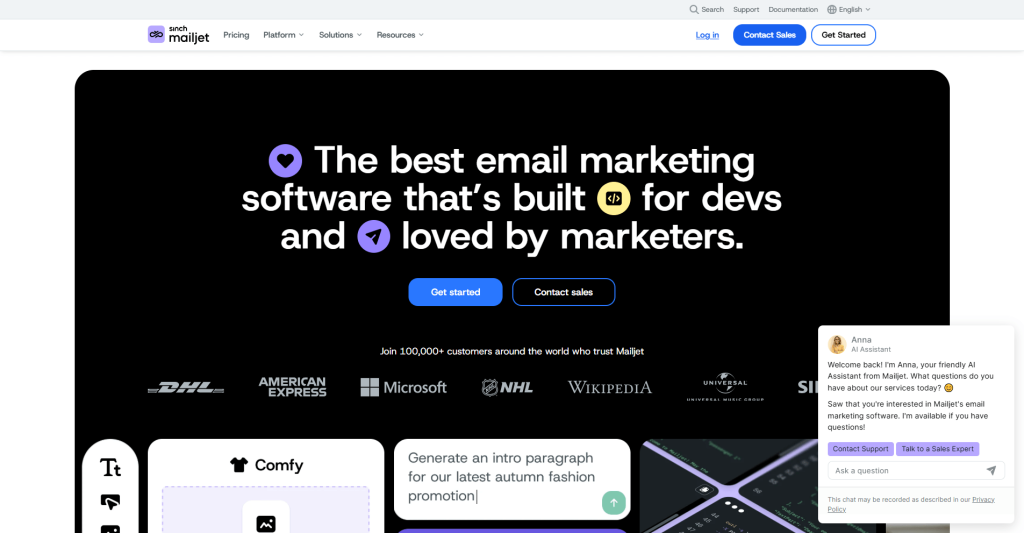
Mailjet is suitable for teams who want to combine SMTP/API delivery with a collaborative marketing email workflow.
The platform provides tools for campaign creation along with SMTP relay, APIs, webhooks, segmentation, automation, and team management features at its higher tiers. This distinguishes it from an SMTP relay designed primarily for developers. Mailjet updated Essential and Premium subscription pricing effective September 9, 2026, and therefore businesses should refer to the current first-party pricing rather than to the older comparison articles.
Pricing: Mailjet’s Free plan includes 6,000 emails per month with a 200-email daily limit. Starter costs $9 per month for 8,000 emails and removes the daily sending limit.
Best fit: Marketing teams that want campaign tools and team-oriented functionality while retaining SMTP and API delivery options.
10. Elastic Email – Best for budget-conscious senders

Elastic Email is worth considering for businesses that want relatively high sending allowances at a modest entry price.
Its Email API product includes SMTP relay, API access, suppression management, tracking, and analytics. Advanced requirements still need to be checked by tier: Pro adds webhook notifications, inbound email processing, custom reverse DNS, and seven-day email-log storage instead of three days on Free and Starter.
Pricing: Elastic Email’s Email API Free plan allows up to 3,000 emails per month with a 100-email daily limit. Starter costs $19 per month for up to 50,000 emails, while Pro costs $49 per month at the same volume.
Best fit: Budget-conscious startups and applications that want SMTP/API sending with substantial entry-level volume and can move to Pro when advanced features become necessary.
11. SMTP.com – Best for managed SMTP relay evaluation
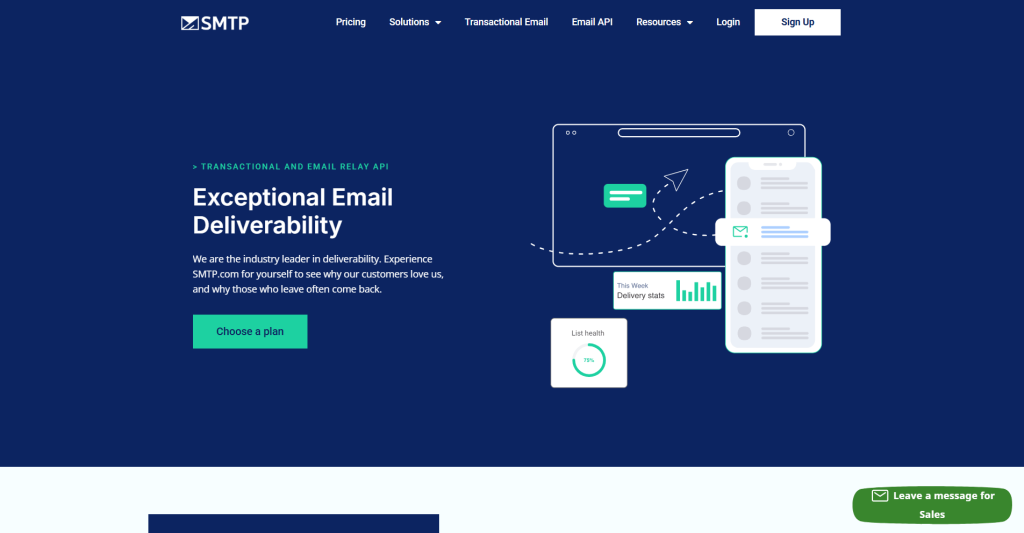
SMTP.com belongs on the shortlist for organizations evaluating a managed SMTP relay service.
For this review, SMTP.com’s current public first-party pricing and plan details could not be reliably retrieved. Rather than copy potentially stale pricing or feature information from another comparison, confirm the current sending tiers, overage costs, dedicated-IP terms, logging, onboarding, and support directly with the provider.
Pricing: Verify current pricing and trial terms directly with SMTP.com before purchasing.
Best fit: Organizations willing to evaluate the service directly with the provider rather than relying on third-party pricing information.
12. SendPulse – Best for affordable marketing plus SMTP

SendPulse is suitable for startups and small businesses that want SMTP together with a more extensive marketing ecosystem.
Its SMTP service can be used through normal SMTP credentials or through SendPulse’s API. The platform also offers domain authentication and higher-volume tiers with dedicated IPs. However, the main limitation is throughput, since the monthly quota does not mean that the entire quota can be sent in a single campaign.
Pricing: SendPulse offers a free SMTP tier as well as subscription and pay-as-you-go options. The free tier is limited to 50 emails per hour and 400 emails per day. Paid throughput increases according to the selected plan.
Best fit: Startups and small businesses that want transactional SMTP while also valuing SendPulse’s wider marketing ecosystem.
How to choose a reliable SMTP provider
Start by looking at the types of email you send. Promotional newsletters, receipts, password resets, product alerts, and bulk announcements all have different requirements for urgency, unsubscribes, sender reputation, and sending speed.
Now estimate the monthly volume and the peak volume; if you are sending out 100,000 emails each month but need to deliver 80,000 of them during a two-hour sale, then an hourly or daily limit will be more important than the monthly quota.
Then, calculate the full cost rather than focusing only on the advertised starting price. Include:
- Monthly or usage-based sending fees.
- Overage charges.
- Dedicated IP fees if needed.
- Email validation or deliverability add-ons.
- Log-retention requirements.
- Premium support.
- The cost of a separate email-marketing platform when the SMTP provider does not include one.
Amazon SES illustrates this difference well. At the pay-per-use basis rate of $0.10 per 1,000 outbound emails, 100,000 emails have a base sending charge of about $10. Under the current Essentials plan, the first 100,000 emails would be about $16 before data charges, dedicated IPs, or other add-ons.
With MailBluster, the cost model also changes according to setup. Bring Your Own SMTP means you pay MailBluster and your chosen external SMTP provider according to their respective plans. MailBluster Managed SMTP includes the sending infrastructure in the managed SMTP plan instead.
In the end, observability should be looked at: when a person says, “My reset email never arrived,” can you check the message logs, see the reason for the bounce, look at the deferral, or get an event webhook? The importance of these capabilities grows as email shifts from being merely a marketing convenience to becoming business-critical infrastructure.
Selection warning: You should not base your choice of a provider solely on the figure they claim for “deliverability.” Instead, find out what the figure refers to, when the test was carried out, what kind of IP address was used, which mailbox providers were included in the test, and whether ‘delivered’ means that the message was accepted by the recipient's server or actually placed in the inbox.
SMTP deliverability checklist
An SMTP provider gives you sending infrastructure. It cannot replace good sender practices.
Google currently requires all senders to Gmail accounts to use SPF or DKIM, valid forward and reverse DNS, TLS, proper message formatting, and low spam rates. Senders sending more than 5,000 messages per day to Gmail accounts must meet additional requirements, including SPF and DKIM, DMARC, domain alignment, and one-click unsubscribe for marketing and promotional messages. Google says spam rates should remain below 0.3%.
Yahoo similarly requires bulk senders to implement both SPF and DKIM, publish a valid DMARC policy, maintain spam complaint rates below 0.3%, and provide easy unsubscribe for marketing and subscribed messages. Yahoo says unsubscribe requests should be honored within two days.
In practice, that means you should:
- Authenticate every sending domain.
- Use permission-based lists and remove invalid recipients.
- Monitor hard bounces and spam complaints.
- Keep marketing and transactional traffic appropriately separated.
- Increase new sending volume deliberately rather than creating sudden spikes.
- Make unsubscribing easy for promotional email.
- Watch delivery errors, deferrals, and mailbox-provider signals rather than relying only on opens and clicks.
MailBluster also monitors bounces and spam complaints for its managed SMTP service. If the system detects a serious problem, sending pauses automatically and MailBluster emails the account owner; sending can resume once the account is healthy again.
Conclusion
The best SMTP providers solve different problems. For MailBluster users, MailBluster SMTP offers a way to manage campaigns and SMTP sending under the same account. You can also continue using Amazon SES, Postmark, Mailgun, or SMTP2GO as your external sending provider.
Choose Amazon SES if the benefits of AWS-scale flexibility and infrastructure control are more important than the extra technical effort involved. If transactional and application messages are central to your business, then consider Postmark. When developers require APIs, inbound routing, webhooks, and greater control, consider Mailgun. SMTP2GO is a good option when the main requirement is a simple hosted relay.
For small businesses, platforms such as Brevo, Mailjet, and SendPulse may reduce the need to assemble separate marketing tools. For large application-driven programs, SendGrid remains a serious option. MailBluster deserves attention when managed SMTP and campaign management under the same account matter.
Explore MailBluster SMTP and its current plans: MailBluster SMTP Release Note
FAQs about SMTP providers
There is no universal winner. For MailBluster campaigns, MailBluster SMTP offers a native, managed service. Amazon SES is suitable for teams with a good level of technical ability who want infrastructure on a scale similar to that of AWS, Postmark is appropriate for transactional email, Mailgun is designed for developer-oriented workflows, and SMTP2GO serves the need for a simple hosted relay.
Reliable email delivery also depends on domain authentication, sender reputation, recipient consent, complaint rates, content quality, and sending behavior – not the SMTP provider alone.
There are several options available as an entry point. MailBluster is currently advertising a 14-day managed trial. Postmark gives you 100 emails each month, Mailgun provides 100 per day, SMTP2GO offers 1,000 per month, Mailtrap offers 4,000 per month, Brevo permits 300 sends each day, Mailjet allows 6,000 per month with a daily cap of 200, Elastic Email offers 3,000 per month with a daily cap of 100, SendGrid provides 100 emails each day during a 60-day trial, and SendPulse has a free SMTP tier with throughput limits. Amazon SES has stopped offering the previous 3,000-message free tier to new customers as of 21 July 2026, but eligible current customers are still able to retain the remaining portion of that original offer. You should also remember to check the throughput limits as well as the advertised free amount.
Amazon SES is a good option when what is important is AWS infrastructure and flexible pricing; SendGrid, SMTP2GO, Mailgun, and other services for high volume should also be considered depending on the required level of support, the dedicated-IP strategy, throughput, and observability. When the volume is high, you should compare the total cost, the rate limits, the IP options, the reputation tools, the event data, the overages, and the support—rather than looking only at the cost per thousand messages.
 Contents
