

Email drag and drop builder
Drag and Drop editor to craft smarter design
Bring your email illustration to life with intuitive drag & drop, and send functionality, designed for audience engagement, and a 10x faster editor that requires no coding skills.
Try completely 3k free emails


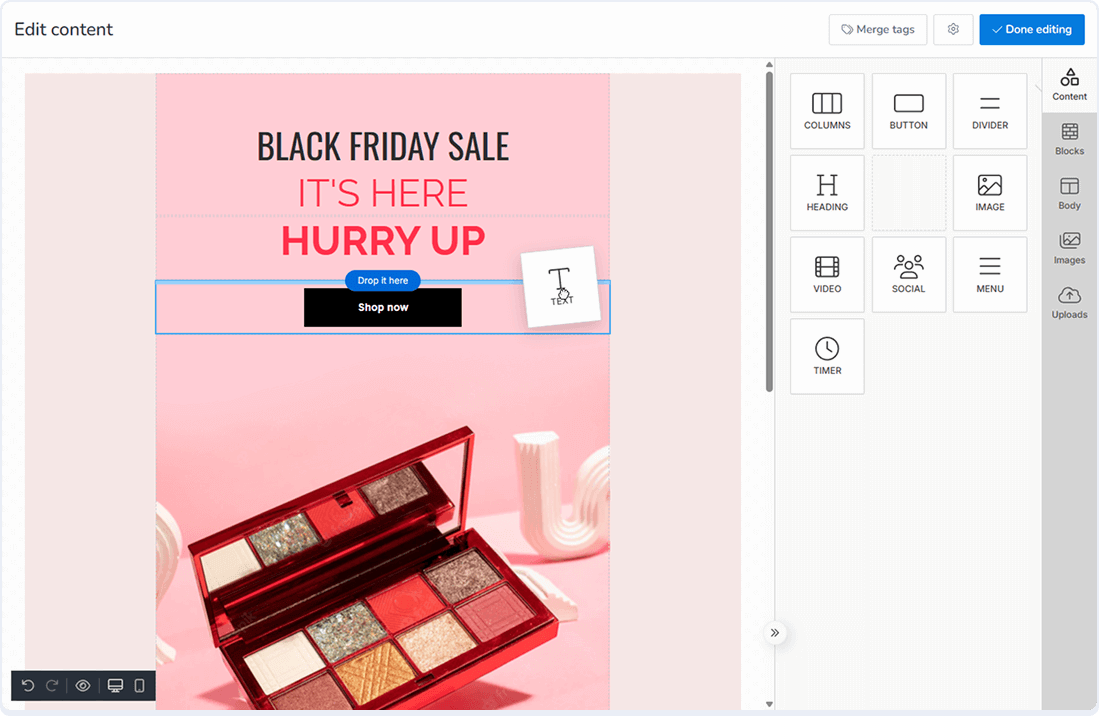
Interactive block variation that simulates email into lead magnets
Turn your email into a conversion-worthy piece with the drag-and-drop newsletter builder. See our email template builder in action.
Seamless drag & drop creation
Creating emails has become a breeze. With our drag-and-drop email builder, you can easily design campaigns that drive conversions. Say goodbye to the stress of email crafting!
Watch tutorial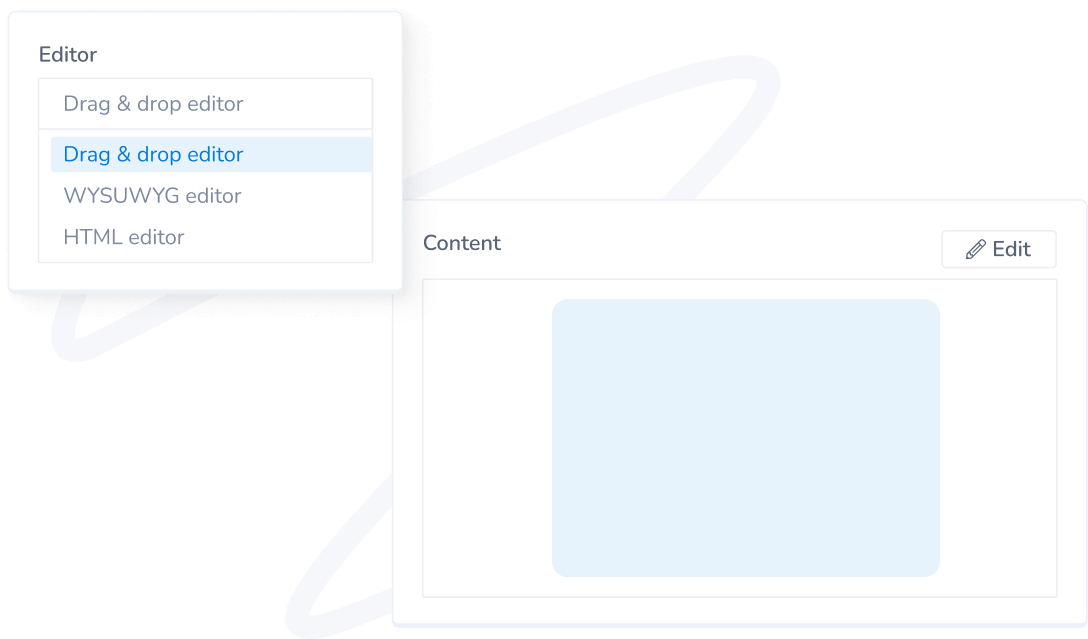
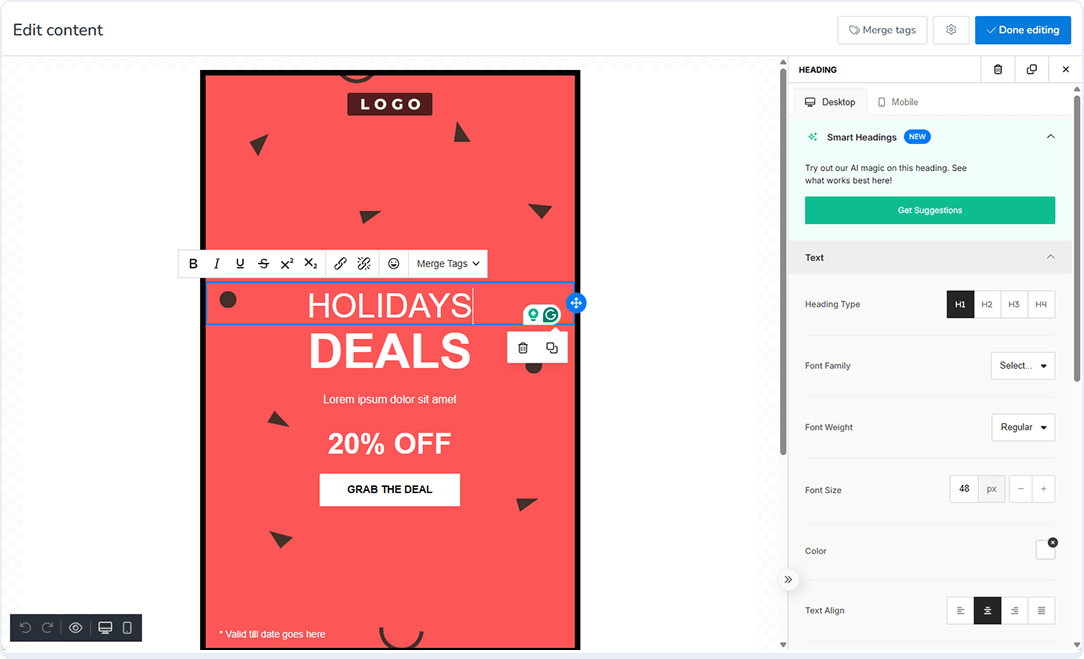
Drag & Drop Personalize with Responsive Design
With advanced editing and detailed customization, personalize your email while dragging and dropping your preferred design. Create a responsive Pro design that exceeds your imagination.
Watch tutorial
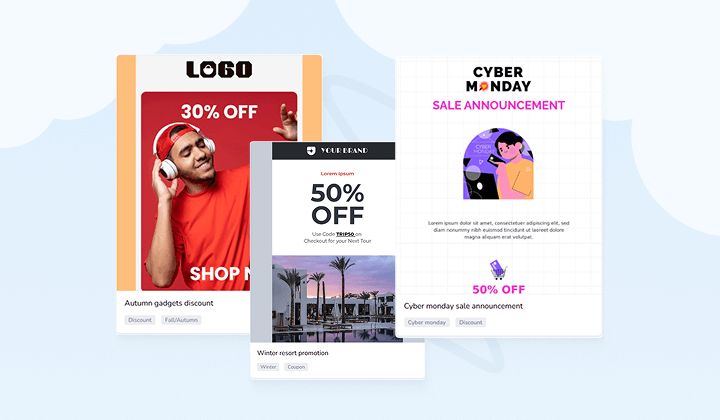
Pick Preferred Email Templates to Build your Imagination
Automatically adjust your design and get effortless optimal view, either for desktop or mobile. A myriad of built-in email templates or create one from scratch in the drag-and-drop newsletter builder.
Watch tutorial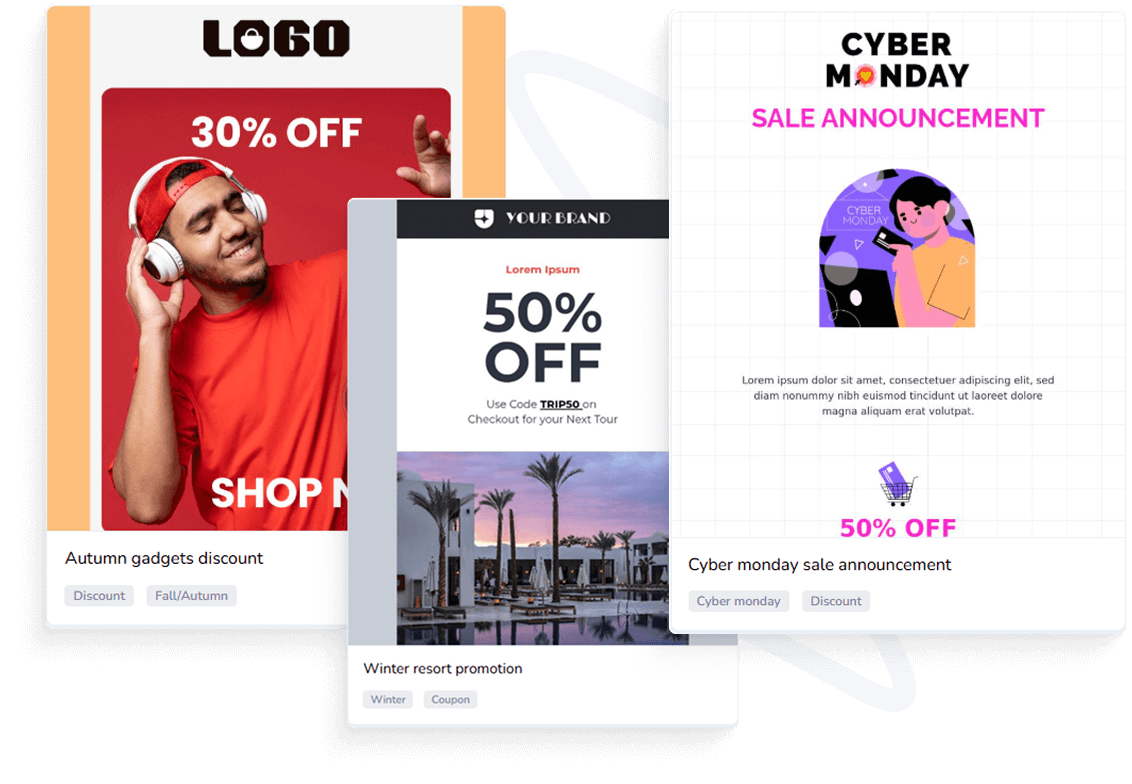
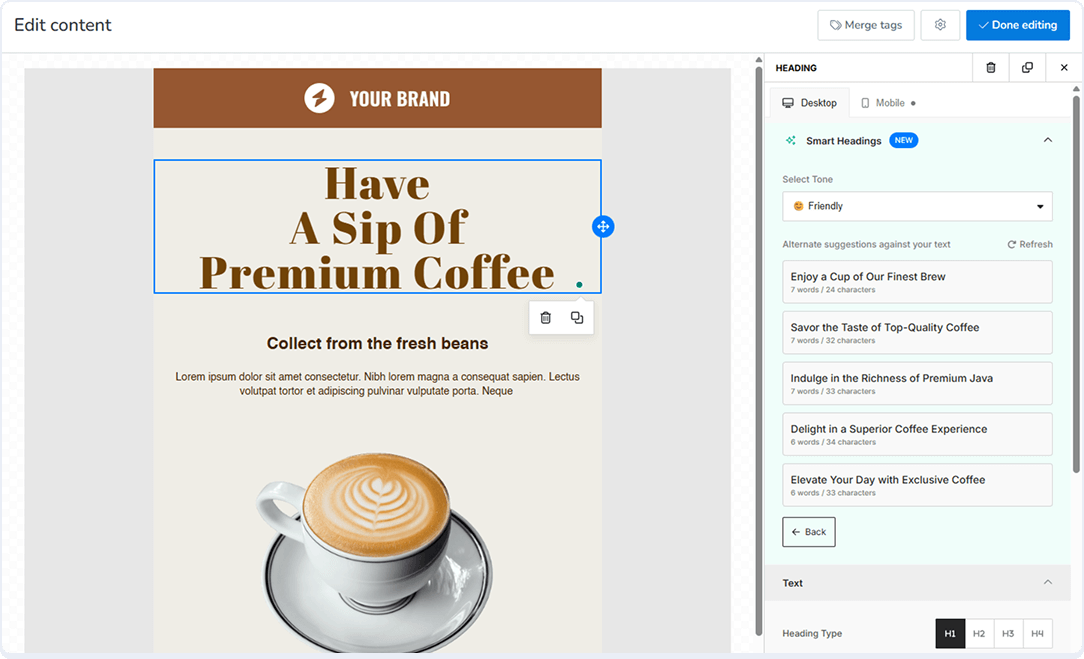
Smart Campaign Optimization & Suggestions
Personalize emails like a pro with merge tags that let you address each user based on specific criteria. Also, get AI-driven optimization suggestions. Get a dedicated timer for specific emails.
Watch tutorialReady to jump into the email drag and drop builder?
Keep your hands on the most affordable email marketing features that cater to your needs to reach your intended audience. Our 24/7 support is always there to assist.
Explore more features
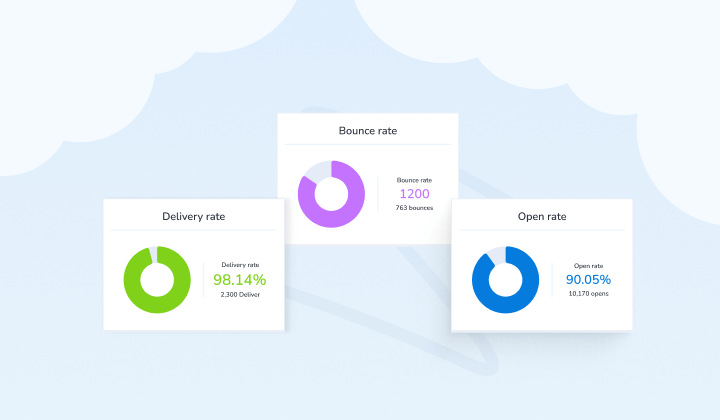
MailBluster isn’t just about sending emails. It’s about giving you every tool to grow smarter, faster, and more efficiently.


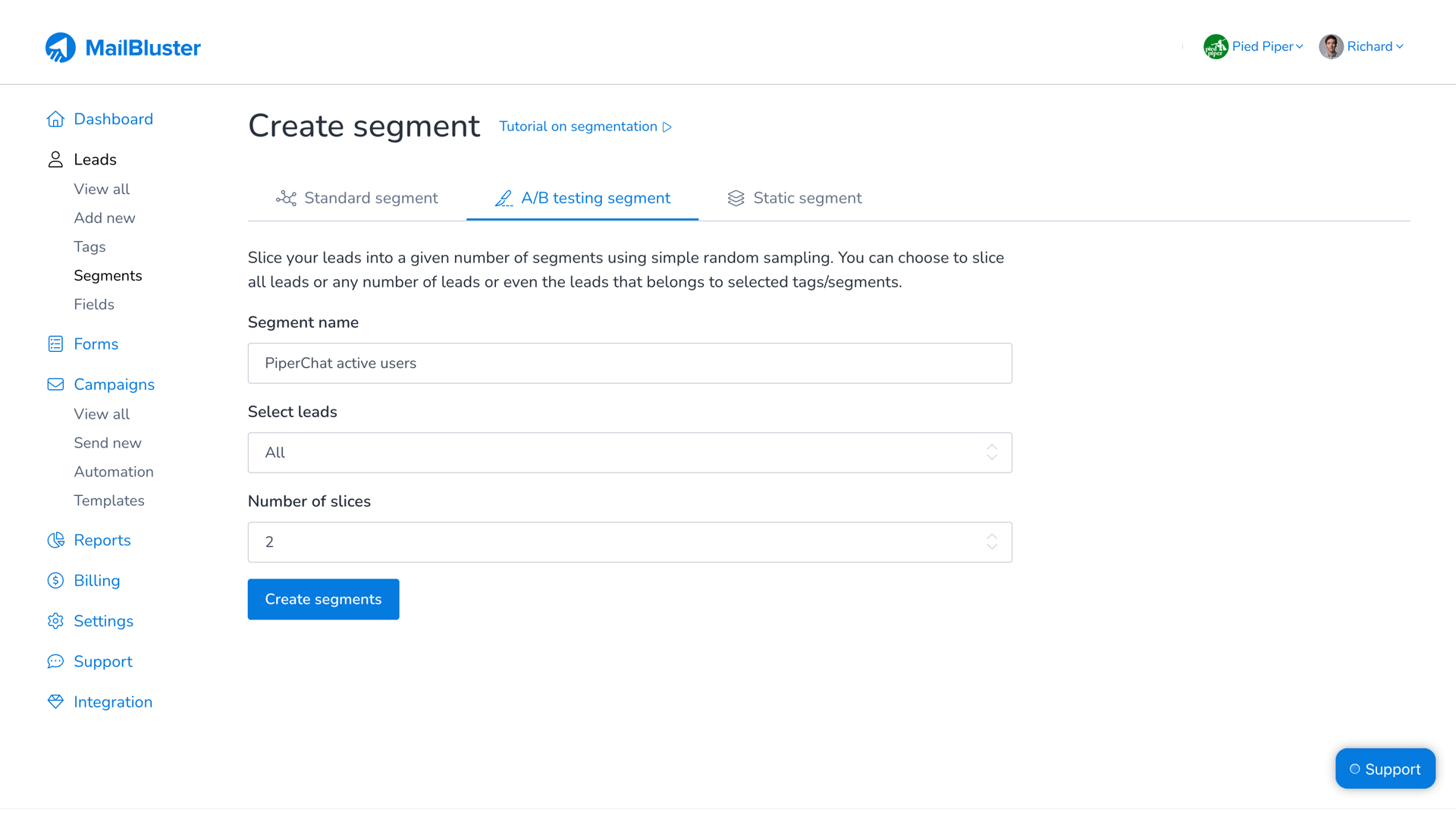
A/B testing
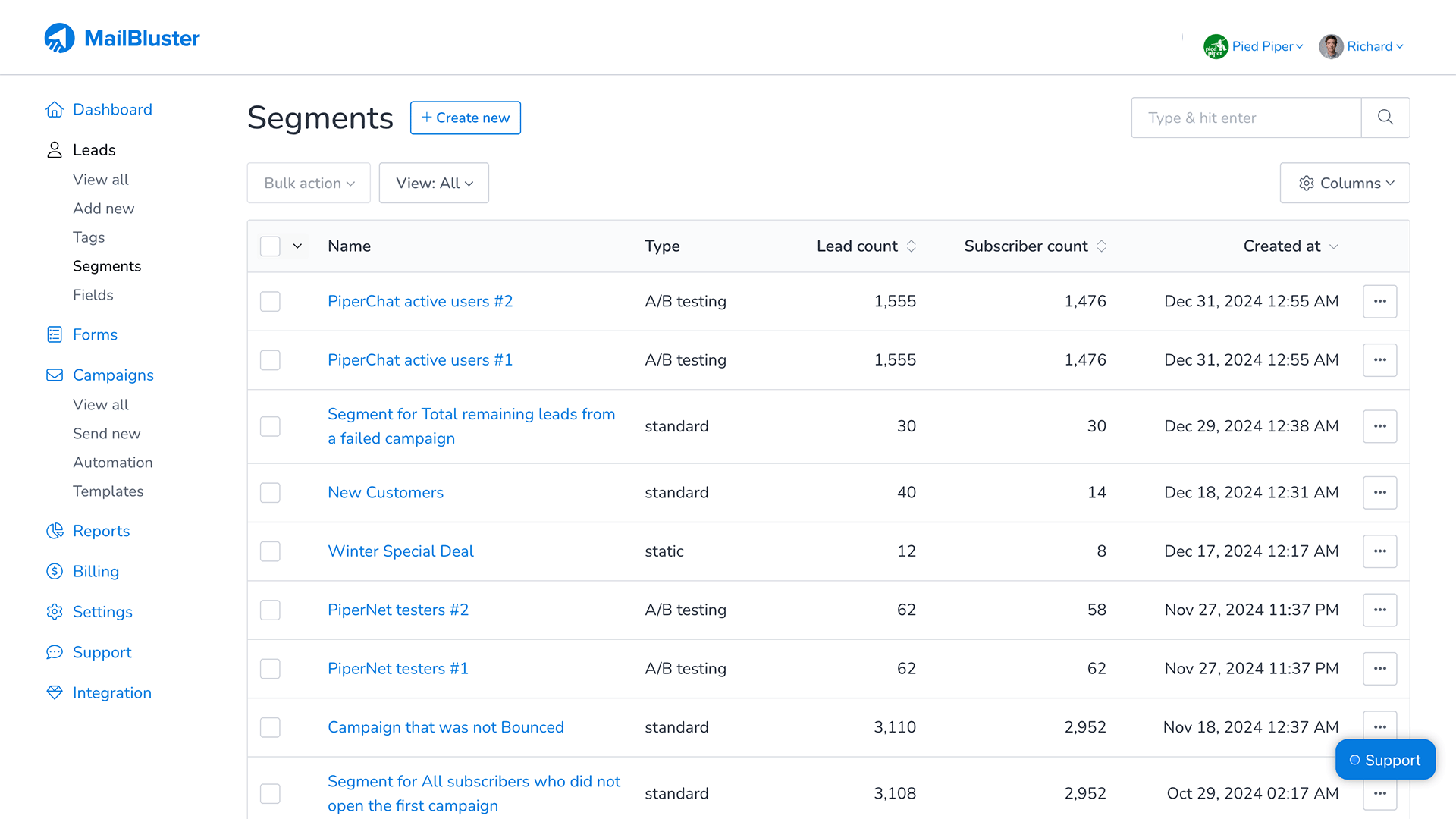
Optimize your email campaigns by testing lead performance in different versions to see which lead list is best.



Drag and drop FAQs
Get clear answers to the most common questions about drag and drop and how it can benefit your email marketing.
MailBluster’s drag and drop editor is an easy-to-use email template builder that uses drag and drop formula to let you create more advanced and intuitive email campaigns that include images, buttons, timer, text, menu, social, and more for your audience.
MailBluster offers a free drag and drop editor, and all are free to use within the editor, except for some of the exclusive paid templates. FYI, our Pro tier includes the template collection that you can customize or use for an email campaign.
No, but you can use the HTML editor from edit campaign>content>editor to change or use the HTML editor to work on your own or create an HTML email template.
Not at all! Our editor includes a WYSIWYG editor. You can move elements, change colors, and adjust layouts simply by clicking and dragging—no HTML or CSS knowledge required.
Absolutely. Every block you drag into the editor is automatically optimized for mobile, tablet, and desktop. You can even use the "Mobile Preview" mode to see exactly how your page looks on a phone before you publish.
🏆 Badges of honor
Trusted and recommended by top tech platforms like SourceForge, Slashdot, Software Suggest, and more.






Ready to send smarter emails?
Stop guessing and start targeting. Try MailBluster's powerful Drag and Drop email editor.
Get started for free