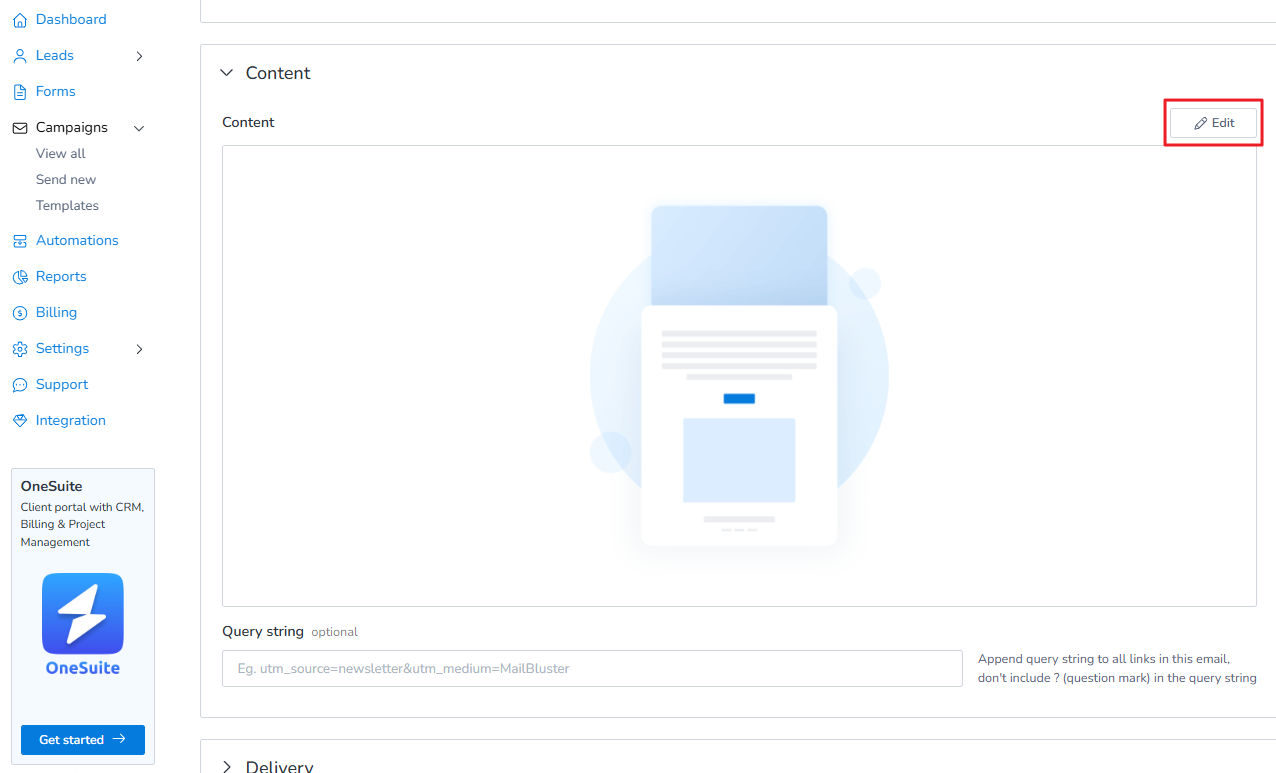
To add unsubscribe link using WYSIWYG Editor, first select your campaigns from Campaign > Content.
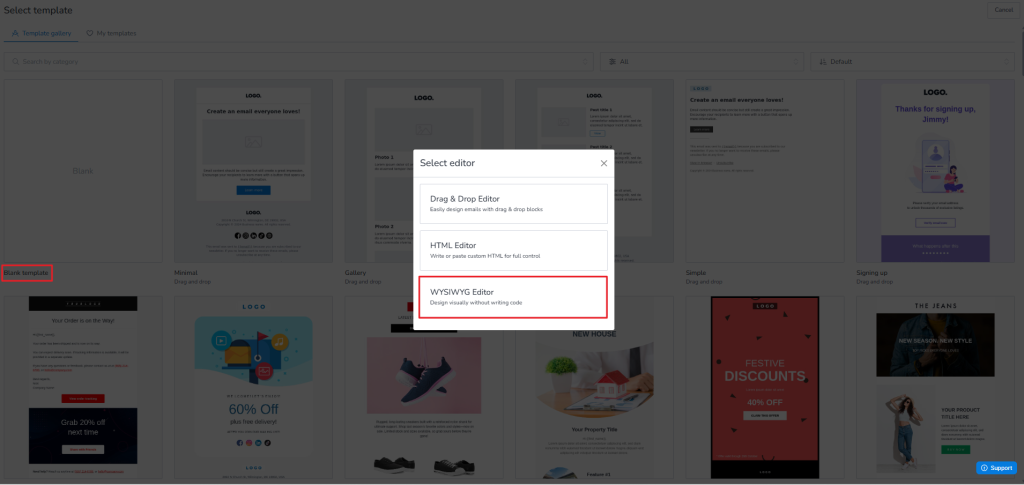
Here is a sample of Plain text email created using WYSIWYG editor from MailBluster.
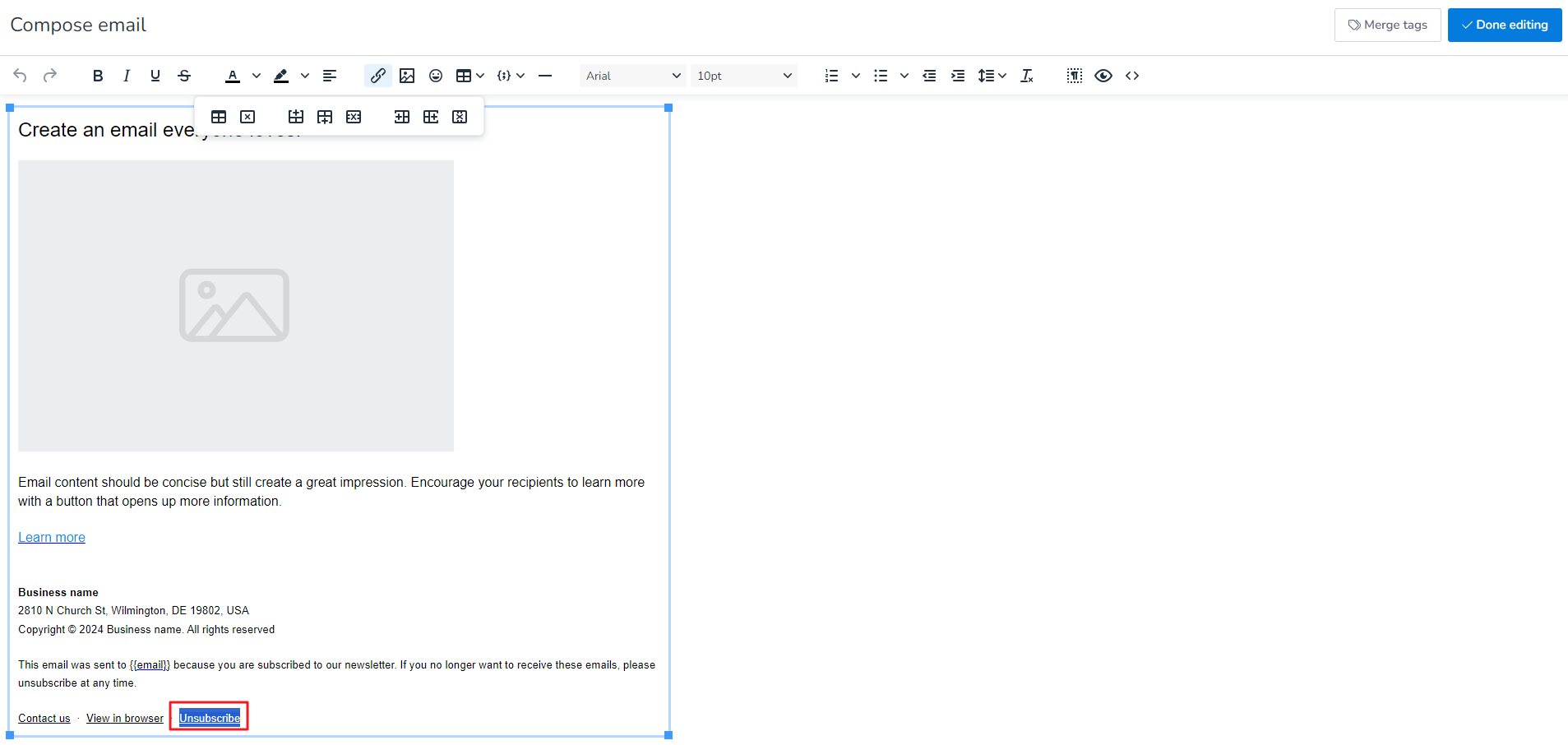
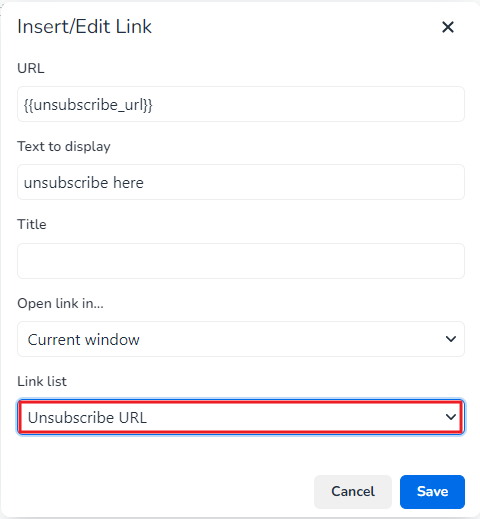
Once the editor opens, select any text and the highlight it. Once highlighted, click on Insert/Edit link and enter the merge tag “{{unsubscribe_url}}” in the URL field of the Insert/Edit Link popup box.
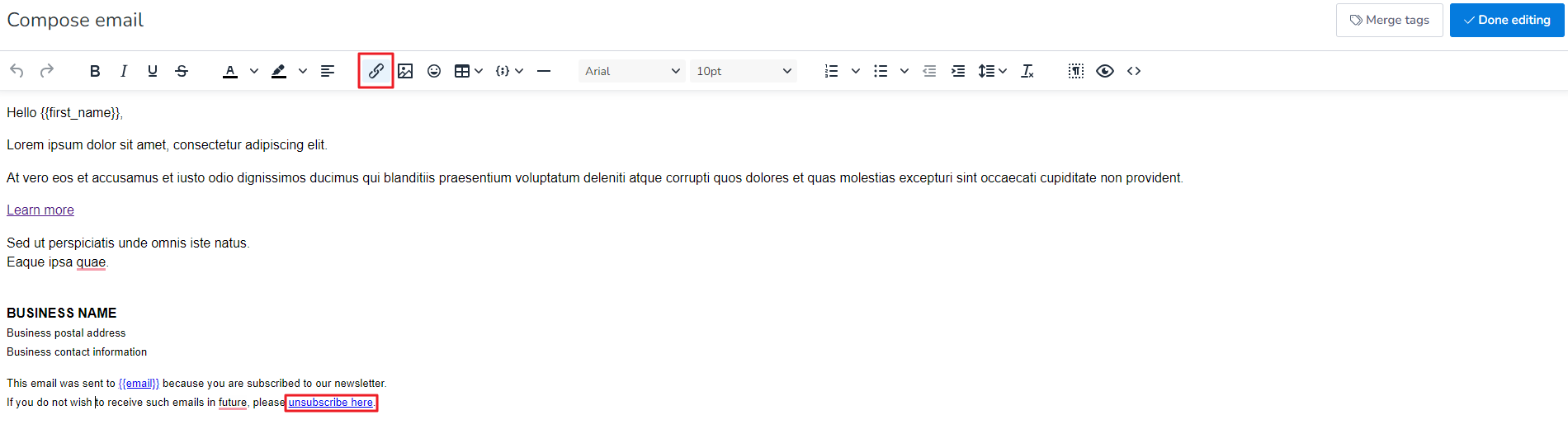
Select Unsubscribe URL from Link list and then click Save.
Click Done editing and exit from the editor. Now your Unsubscribe URL is ready.