
Exit Conditions let you automatically remove leads from an automation workflow when they meet specified conditions.
Once a lead meets an exit condition, MailBluster immediately removes them from the workflow, and they will not receive the remaining automation emails.
To Configure Exit Conditions:
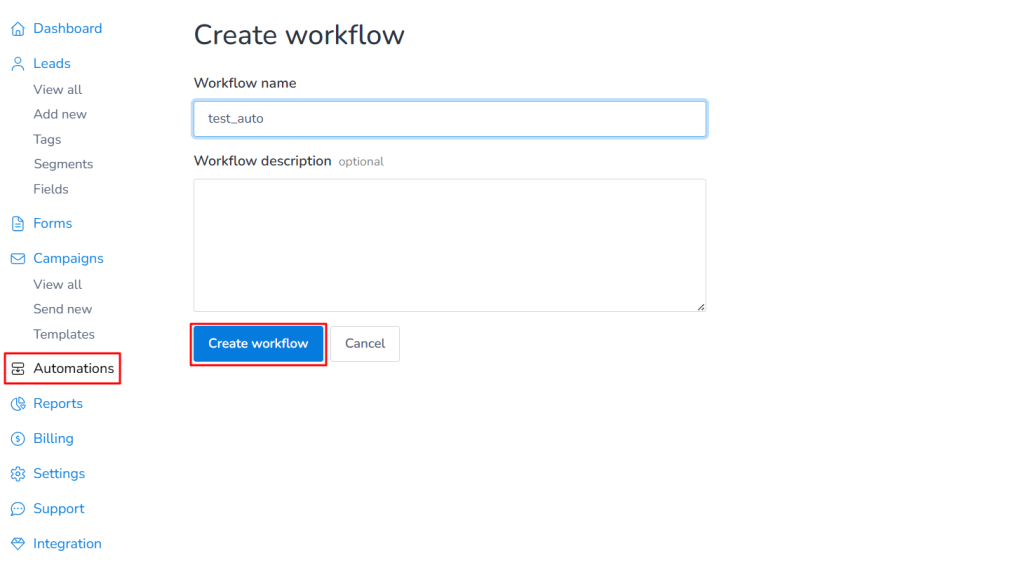
1. Go to Automations and click Create New. Enter a name for your automation workflow.
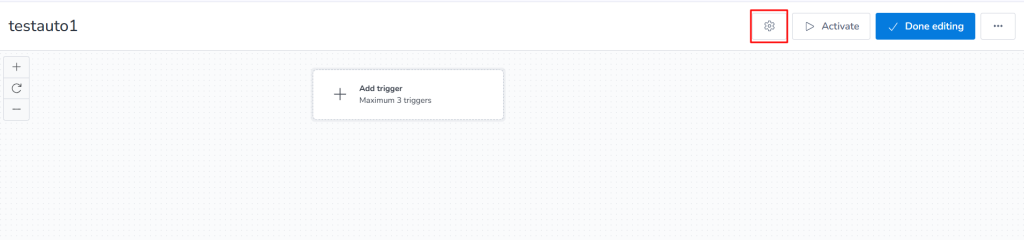
2. Open the workflow, then click the Settings icon in the top-right corner.
3. In the Exit Conditions panel, click Add Condition, configure the condition(s) based on your requirements, and then click Save to apply the changes.
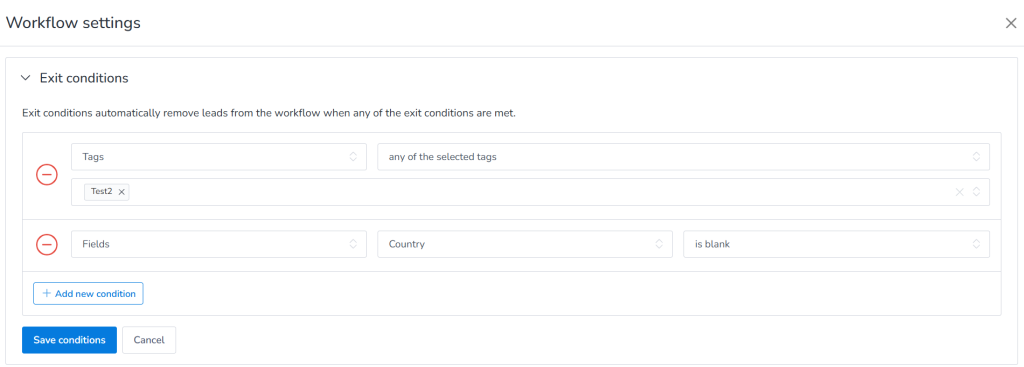
Once a lead meets any of the configured exit conditions, MailBluster automatically removes them from the workflow, and they will no longer receive the remaining automation emails.