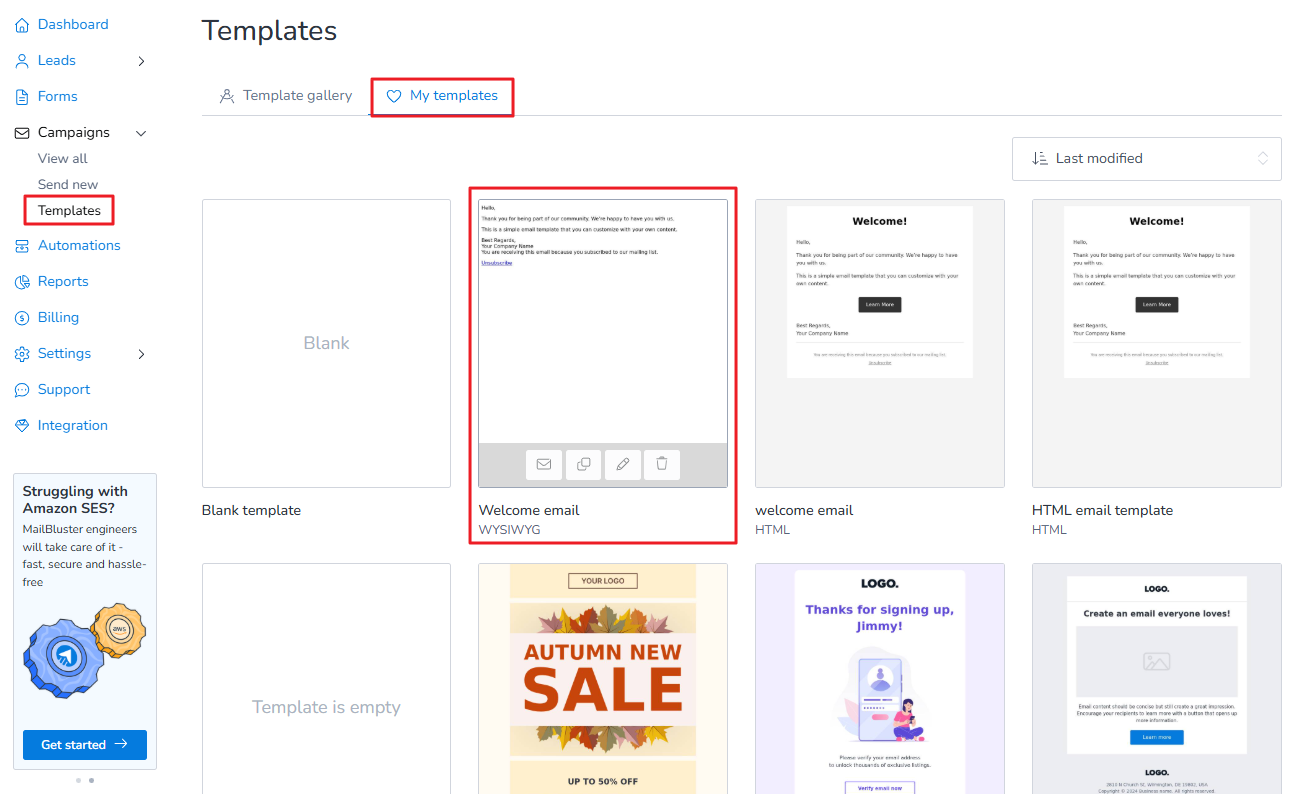
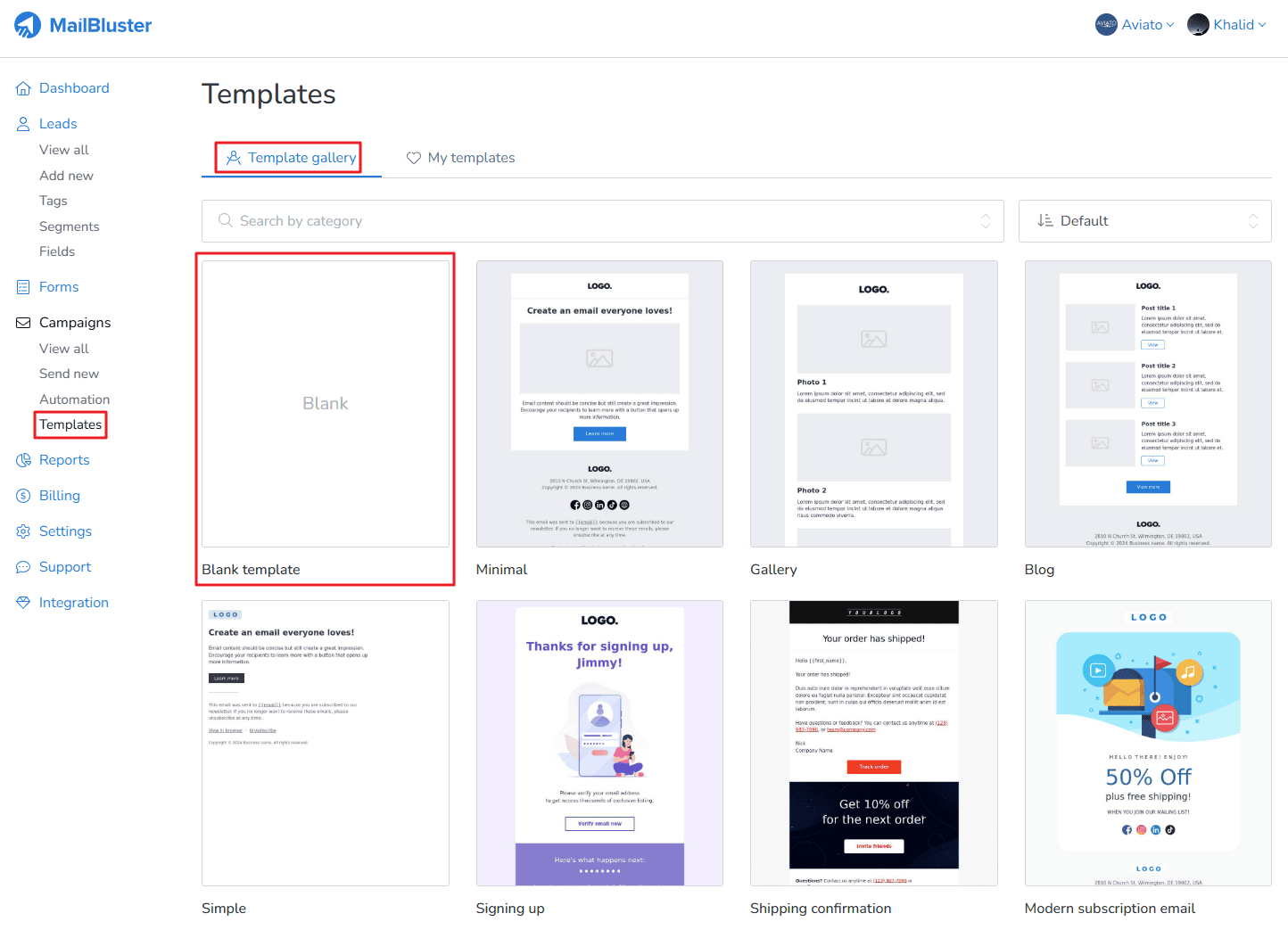
Learn how to create a simple template with Drag and Drop editor in MailBluster. First you need to go to your Brand > Templates > Template gallery and then click on Blank template as shown below.
A pop-up window will appear.
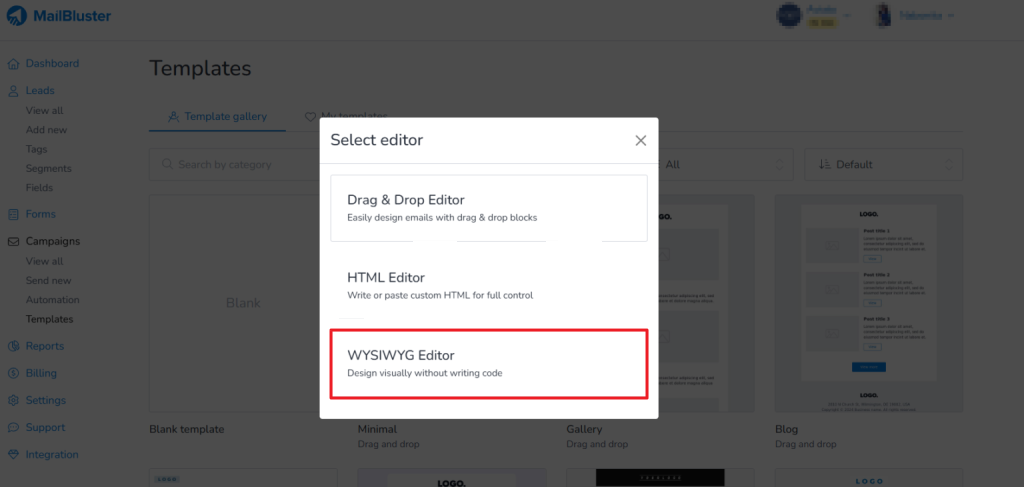
Choose the WYSIWYG editor, then the following will appear. After composing the email. Click on Done editing

Then give a name to that template and save the changes.
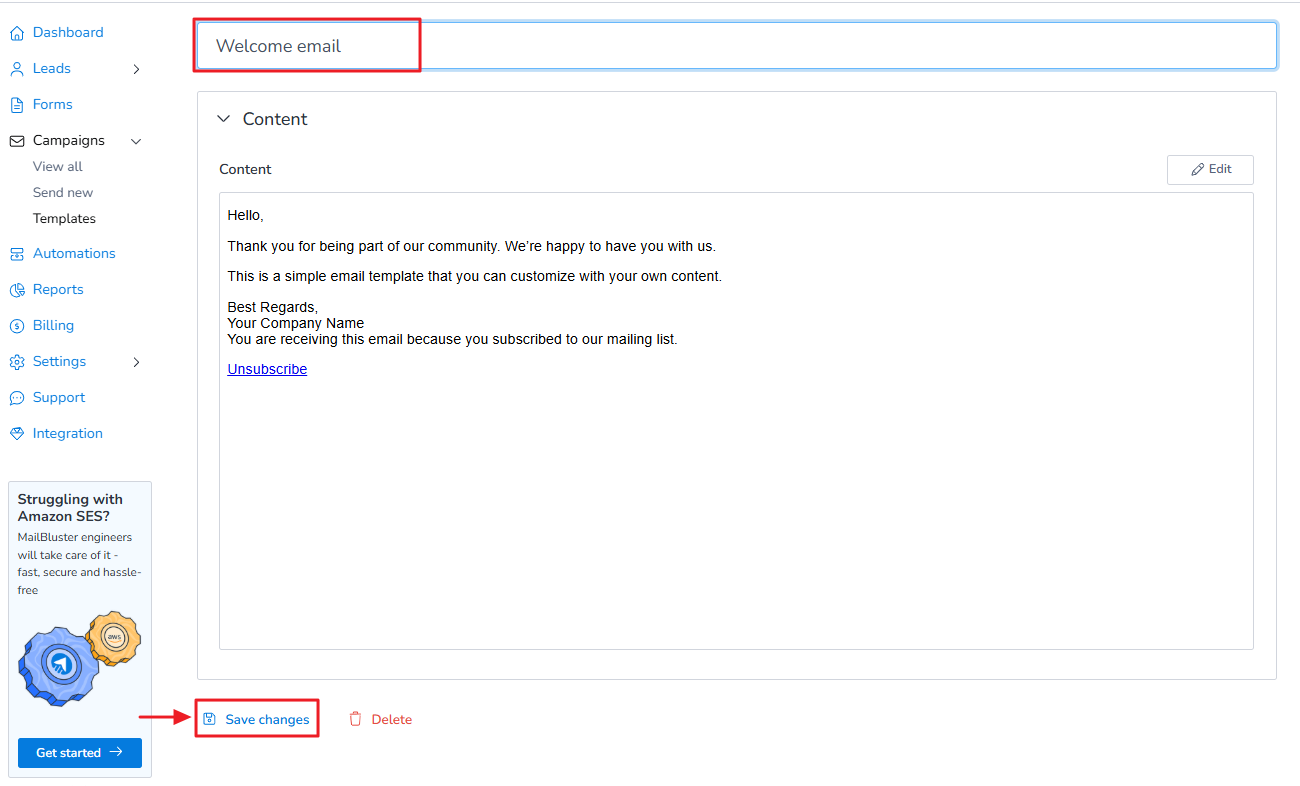
You can later use this template in your future campaigns when you create a new campaign using the WYSIWYG Editor.