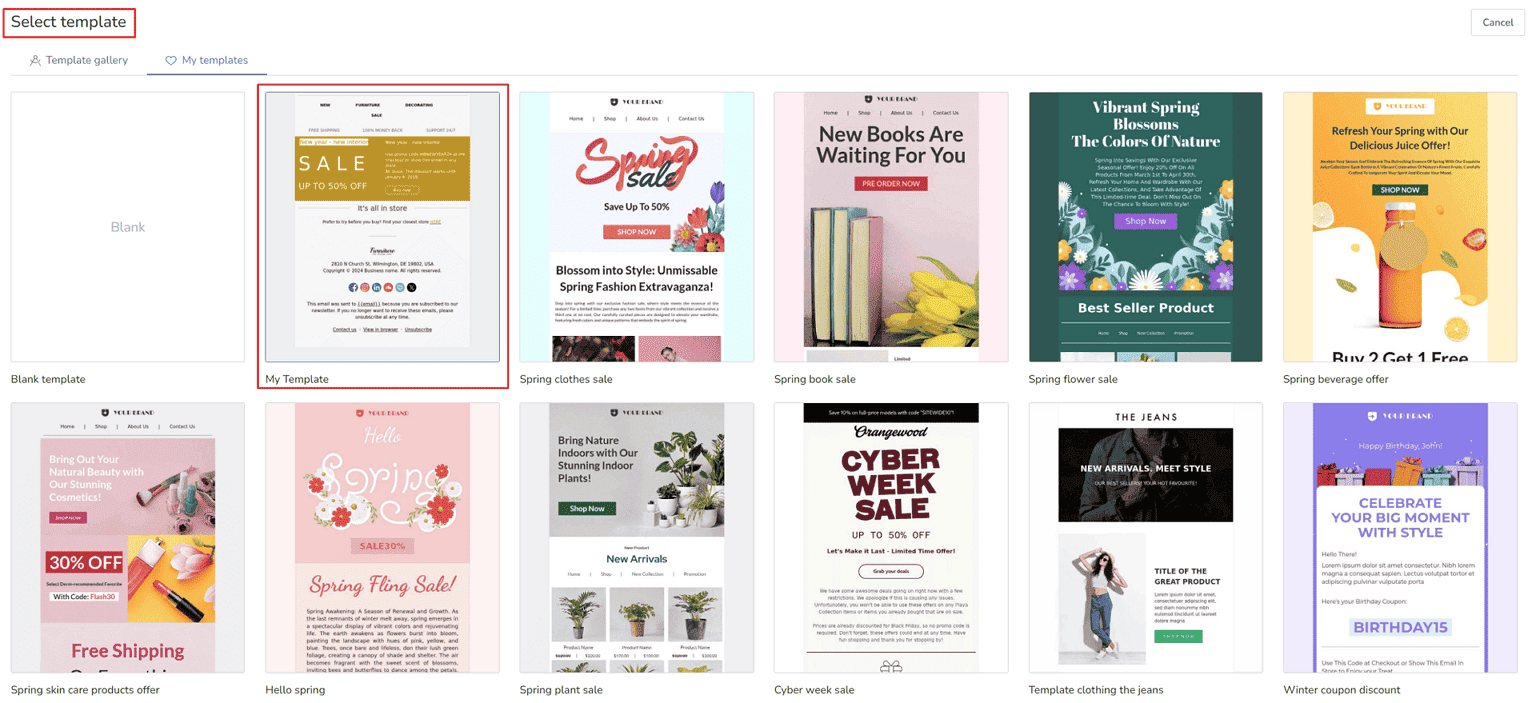
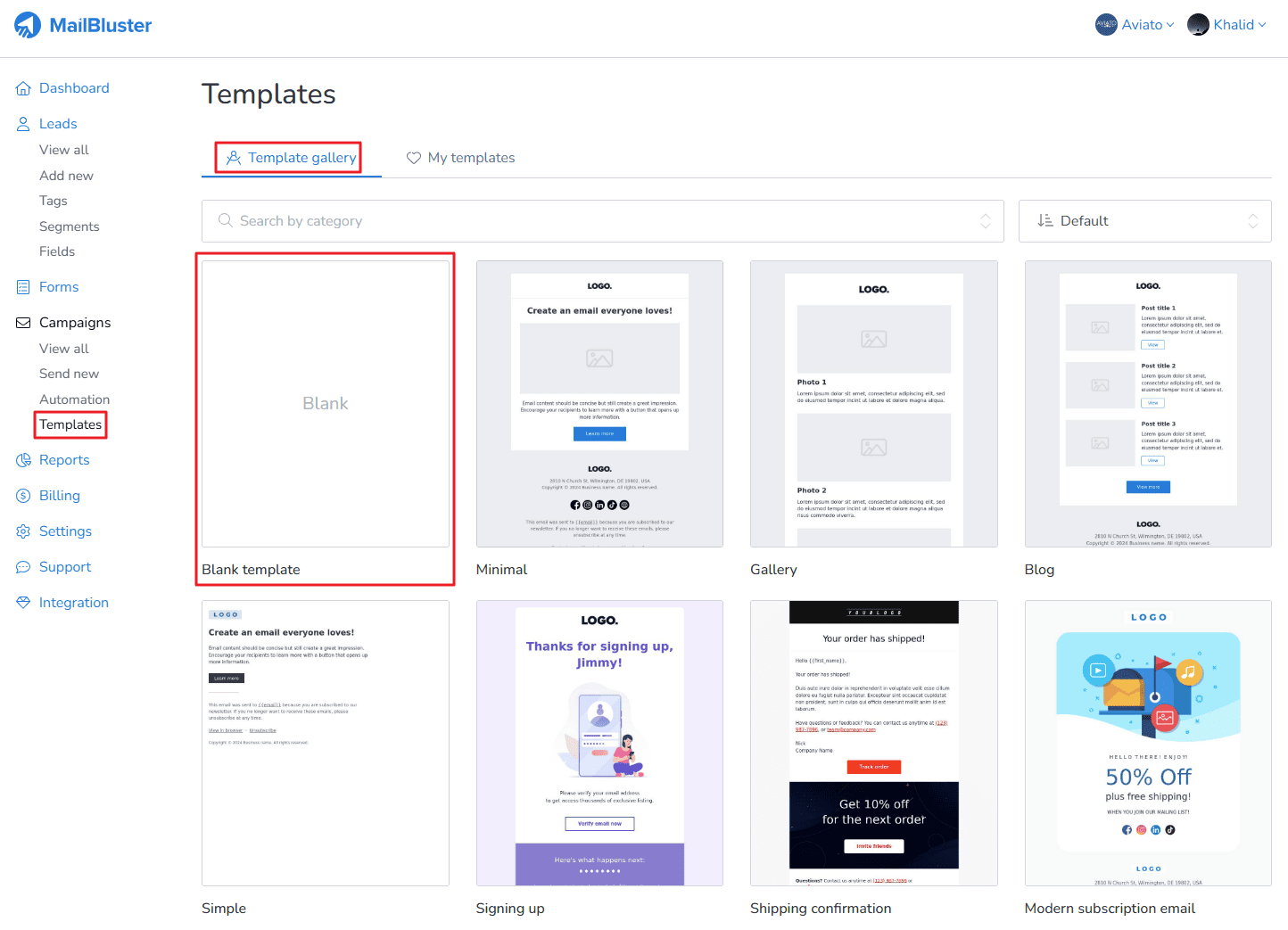
Learn how to create a simple template in MailBluster. First you need to go to your Brand > Templates > Template gallery and then click on Blank template as shown below.
A pop-up window will appear.
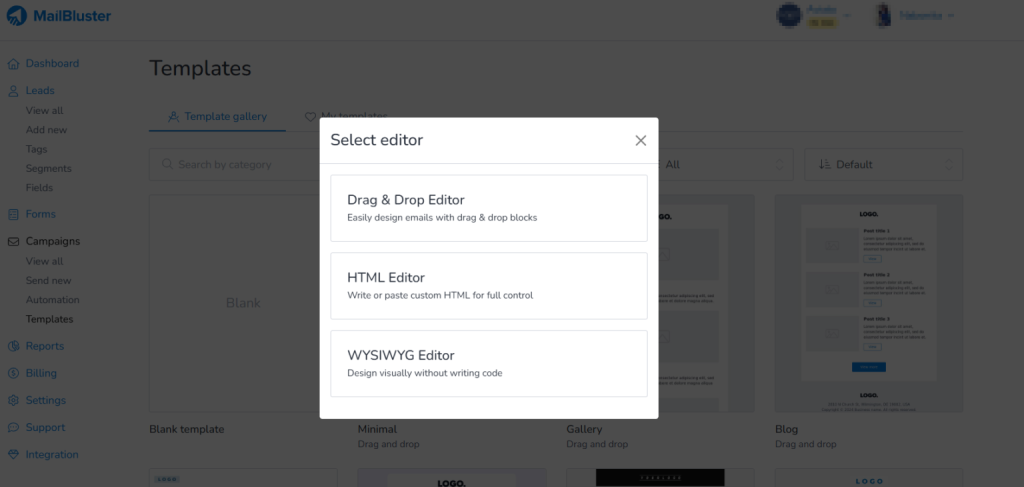
If you choose the drag and drop editor, then the following will appear. Rename the template and use the tools on the right side (marked) to customize your template.
You can take the help of the video tutorial for designing your template from here.

After designing your template, click Save template.

Your template will be saved under Templates > My Templates.
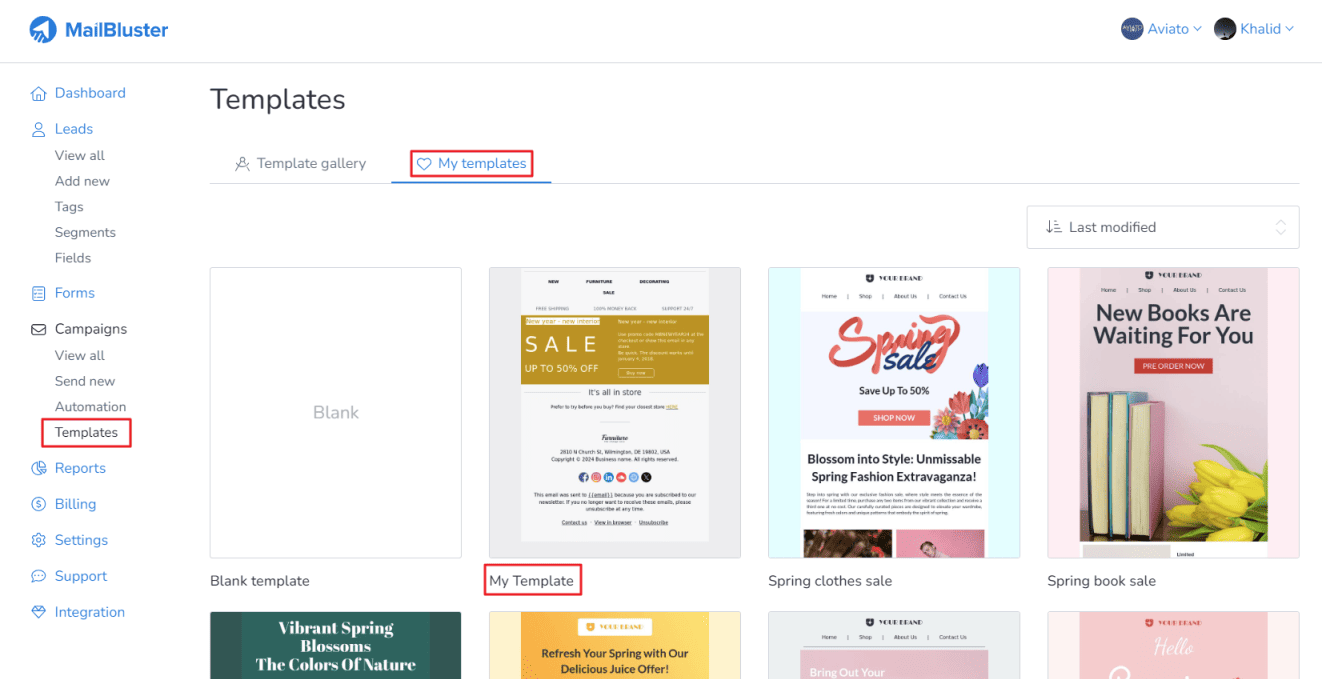
You can later use this template in your future campaigns when you create a new campaign using the Drag and Drop Editor.