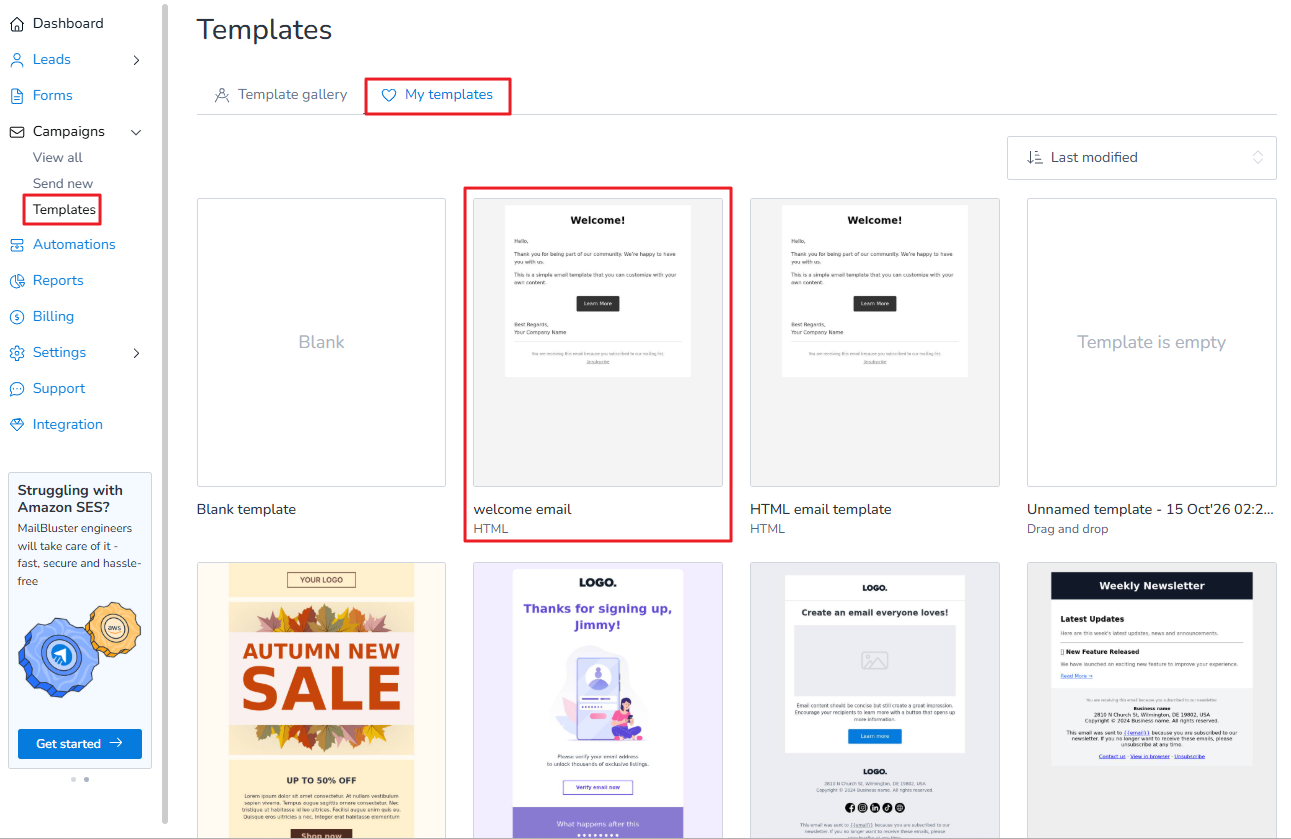
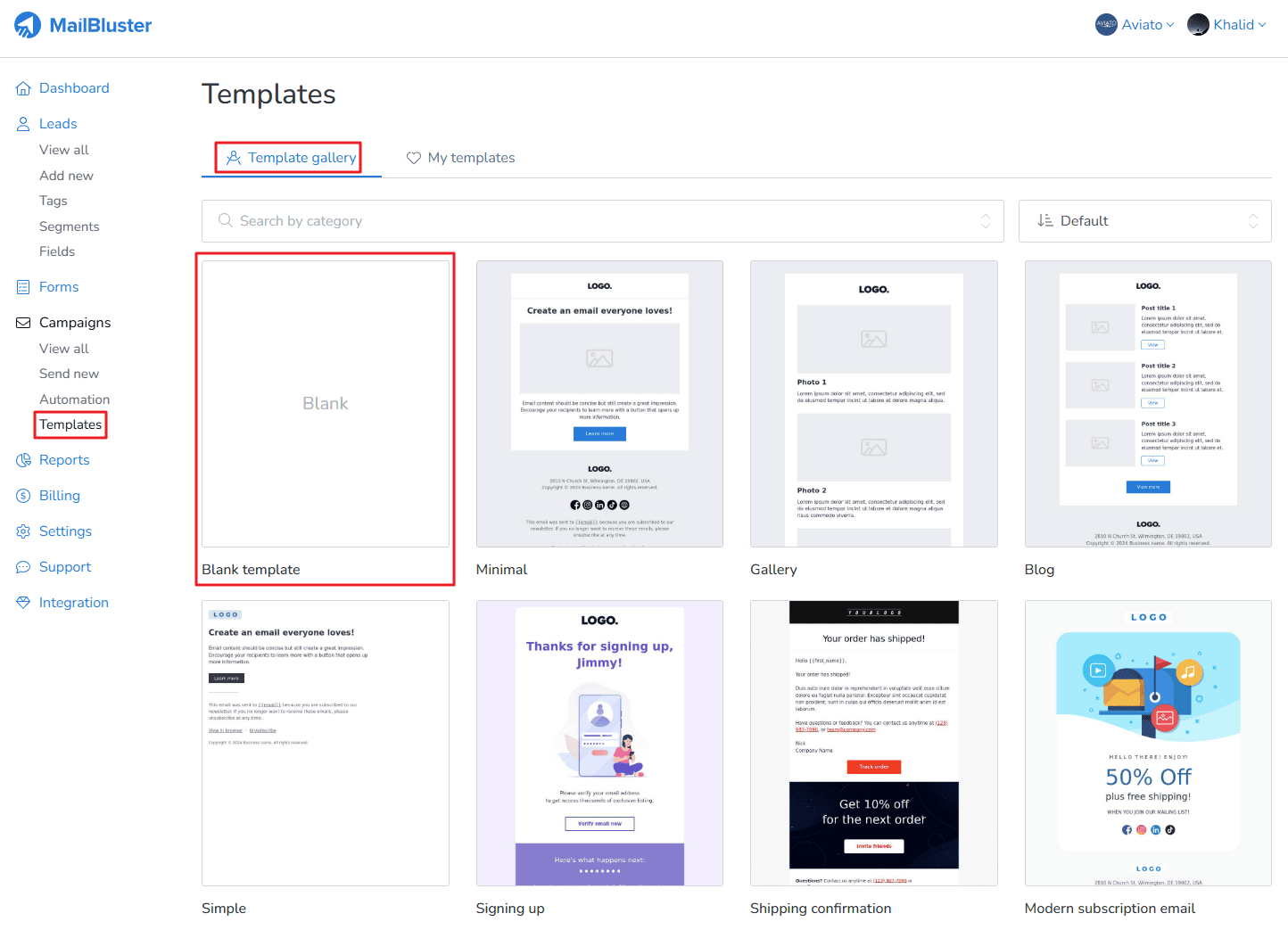
Learn how to create a simple template with HTML editor in MailBluster. First, you need to go to your Brand > Templates > Template gallery and then click on Blank template as shown below.
A pop-up window will appear.
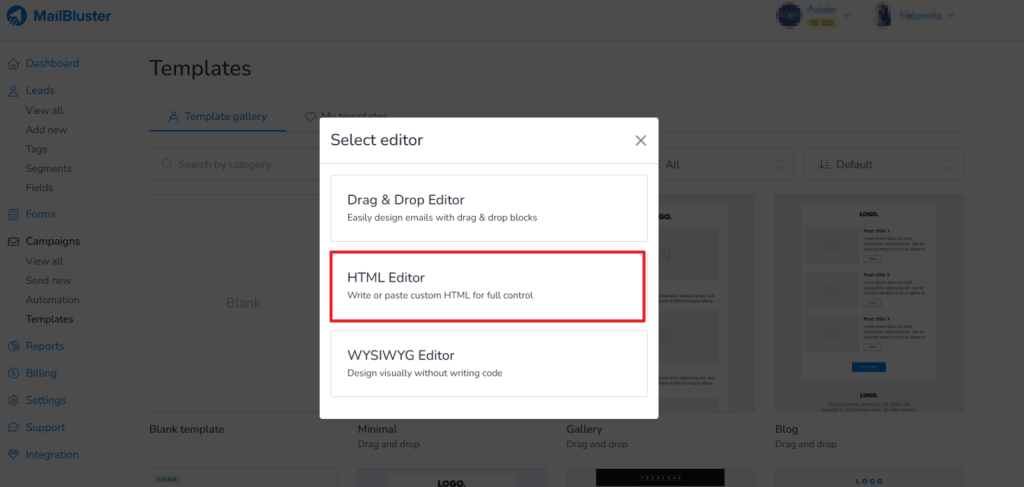
Choose the HTML editor, then the following will appear.
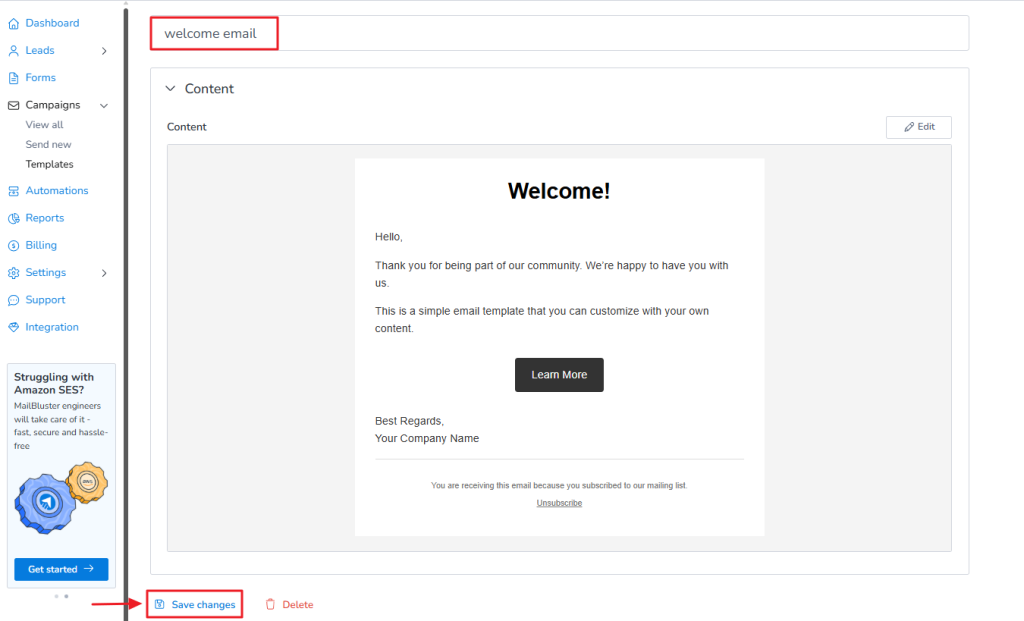
Using MailBluster HTML editor, you can copy paste any HTML code of email template from online and use it on your email campaign. The following is a sample showing what can be done using the HTML editor. After that. click on Done editing
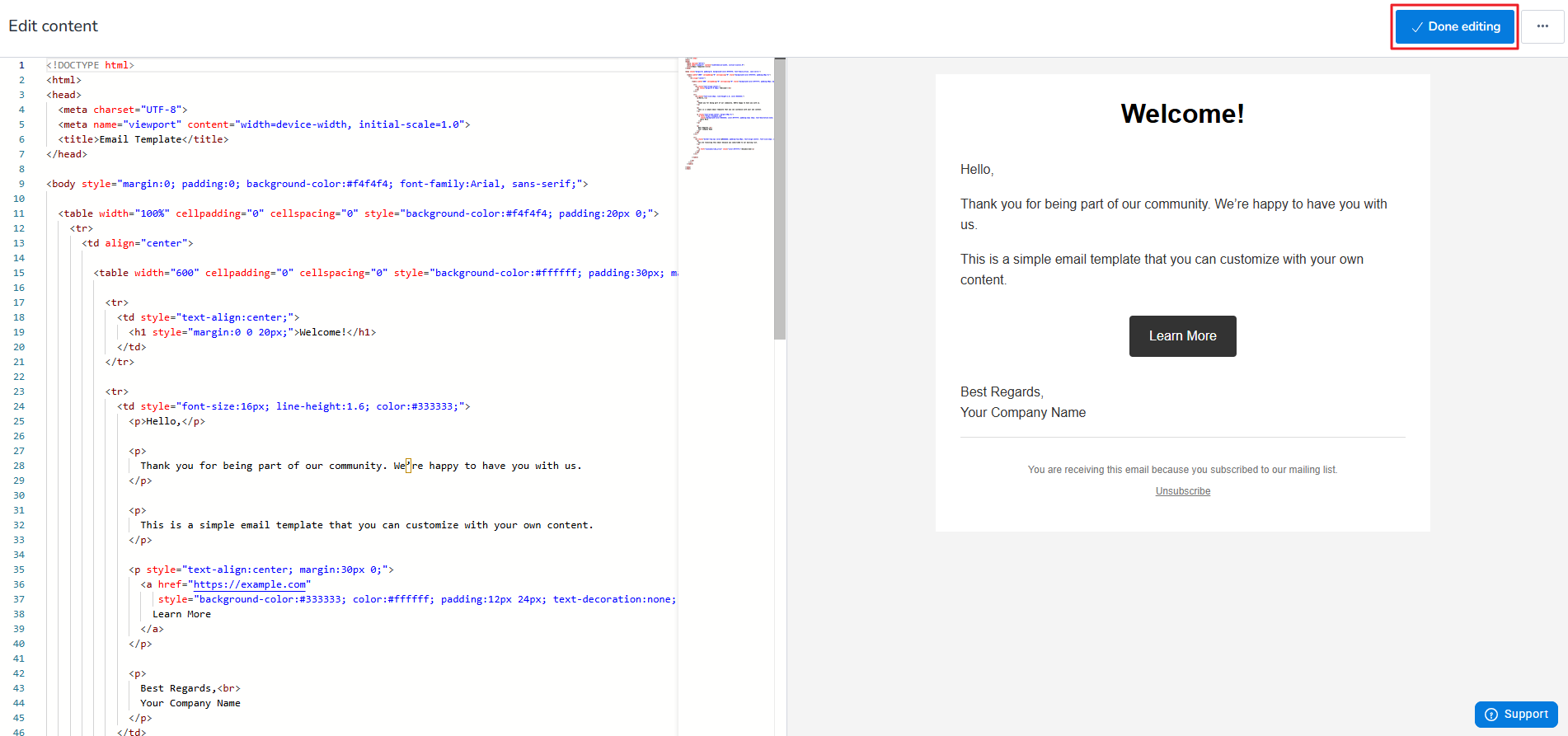
Then give a name to that template and save the changes.
You can later use this template in your future campaigns when you create a new campaign using the HTML Editor.